A design sprint is a time-boxed process for framing a challenge, exploring solutions, building a realistic prototype, and learning from representative users before committing to full implementation. The original Google Ventures format runs over five days, while adapted formats may compress or redistribute activities. A sprint reduces uncertainty only when the team begins with relevant evidence, includes decision authority, and treats user testing as learning rather than proof that an idea will succeed.
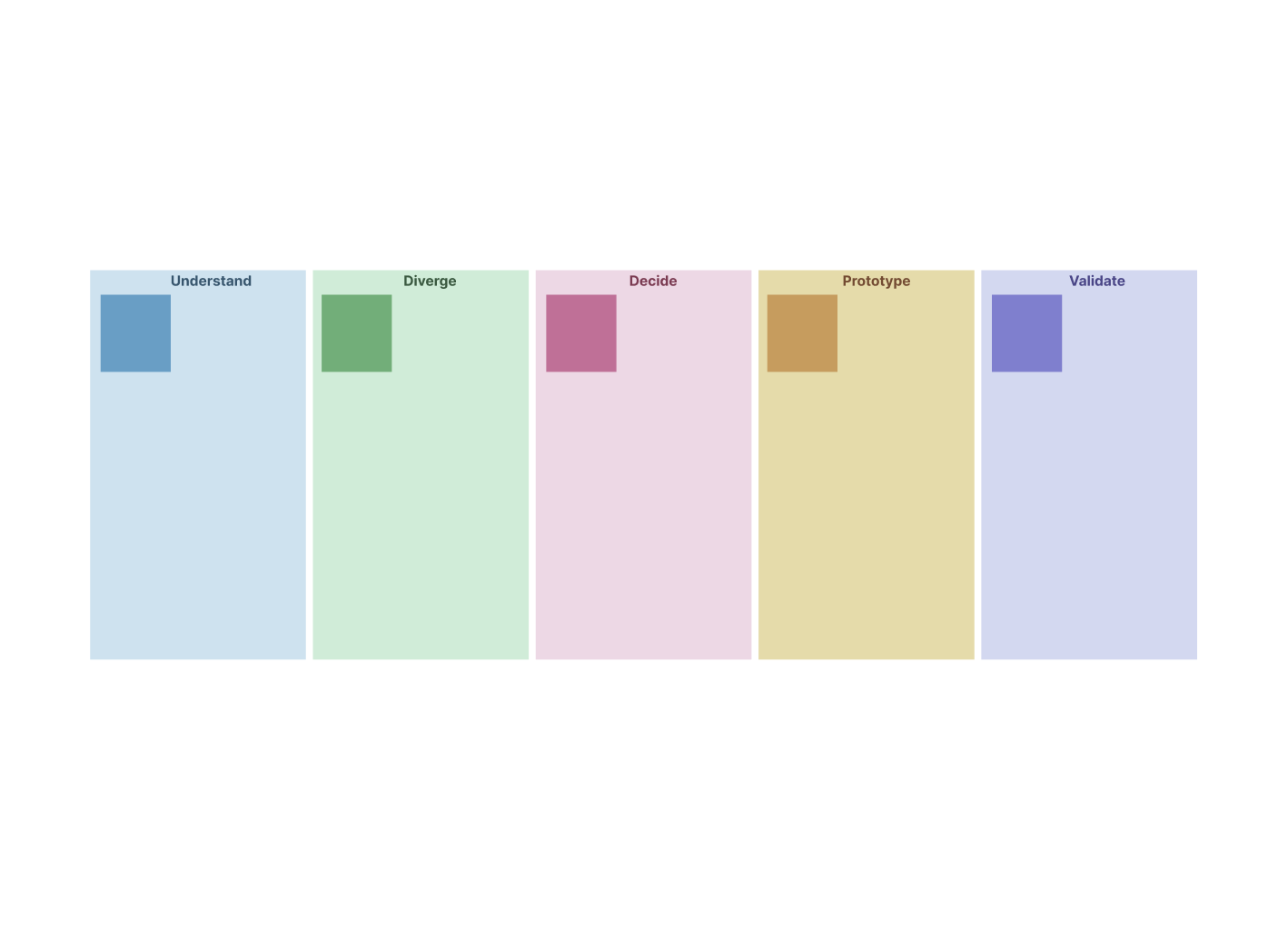
The 5 Core Phases of the Design Sprint Process
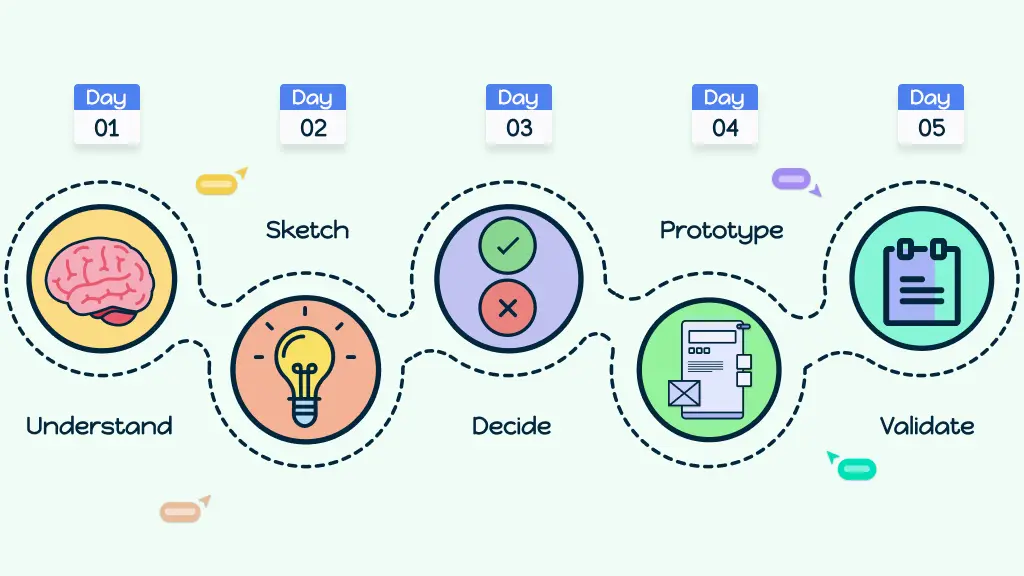
Phase 1. Understand & define the challenge
The team reviews existing research and data, hears from subject-matter experts, maps the problem space, and agrees on a long-term goal and a specific sprint target. Record assumptions and evidence separately so the sprint does not begin by treating internal beliefs as user facts.
Phase 2. Ideate & sketch possible solutions
Participants review relevant examples and sketch possible solutions independently before group evaluation. Independent work reduces early anchoring and gives each participant an opportunity to contribute, although facilitation is still needed to make participation equitable.
Phase 3. Decide & storyboard the approach
The team reviews the sketches, marks promising elements, and uses a defined decision method. In the classic sprint, the Decider makes the final call rather than relying on consensus. The selected concept is translated into a detailed storyboard that defines what the prototype must show.
Phase 4. Prototype a realistic version
The team builds a prototype that is realistic enough to elicit useful reactions but limited to the assumptions being tested. Define the learning questions first so the team does not spend time polishing elements that will not affect the test.
Phase 5. Test with users and gather insights
A researcher or interviewer tests the prototype with representative participants while the team observes consistently and records evidence. Findings can reduce uncertainty, expose new questions, or challenge the proposed direction. They inform the next decision but do not by themselves validate an entire market or guarantee product success.
Variations of the Design Sprint Process
| Sprint Type | Origin | Structure | Advantages | Best For |
| Classic 5-day Sprint | Developed by Jake Knapp and collaborators at Google Ventures |
|
|
|
| 4-day Design Sprint 2.0 | Popularized by AJ&Smart as a faster, more efficient approach |
|
|
|
| Compressed workshops (1–3 days) | Adapted for quick insights and alignment |
|
|
|
Key Roles in the Design Sprint Process
A design sprint needs a small cross-functional team with the knowledge and authority required to address the sprint challenge. Titles vary, but the following responsibilities should be covered.
Facilitator
Guides the team through each phase of the sprint
Keeps time, ensures everyone’s voice is heard, and maintains focus
Neutral role — doesn’t push their own ideas but makes sure the process runs smoothly
Decider
The person with final say (often a product lead, manager, or stakeholder)
Breaks ties when the team is split
Ensures the sprint outcomes align with business goals
Design and tech experts
Designers contribute visual thinking and user experience skills
Engineers or developers bring technical know-how and highlight what’s feasible
Together, they make sure ideas are both creative and practical
User researcher
Plans and runs the user testing on the final day
Makes sure the right participants are recruited
Creates a consistent interview approach and helps the team distinguish observations from interpretations
Turning Design Sprint Insights into Actions
Synthesizing user feedback
After testing, the team reviews how users interacted with the prototype. The goal is to spot patterns, highlight what worked, and uncover areas of confusion. Focusing on actionable insights helps guide the next steps without getting lost in every single comment.
Deciding next steps
With feedback in hand, the team decides whether to iterate on the idea, pivot to a new approach, or move forward with confidence and launch. Involving the decider and key team members ensures alignment and clear decision-making.
Integrating sprint outcomes into product development
Sprint results should inform, not automatically enter, the product roadmap. Document the evidence, unresolved questions, decision, owner, and next experiment or delivery step. Larger implementation commitments may still require additional research, technical discovery, feasibility analysis, or business validation.
Visual Templates for the Design Sprint Process
Using structured templates can make design sprints more efficient, organized, and easier to follow. They provide clarity at every step and help the team focus on solving the right problem.
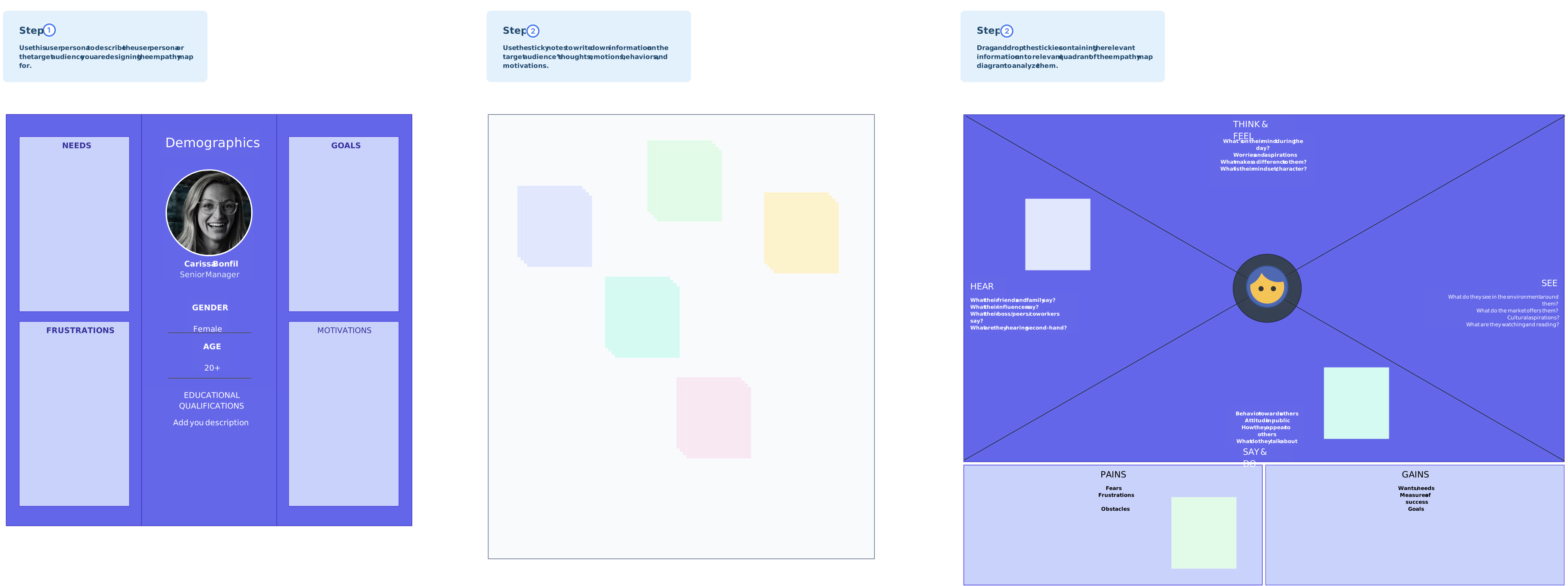
1. User journey & empathy map
An empathy map organizes what the team has heard and observed about users. Use it to synthesize research and identify gaps that require further investigation; do not fill it with unverified assumptions or treat it as an end-to-end journey map.

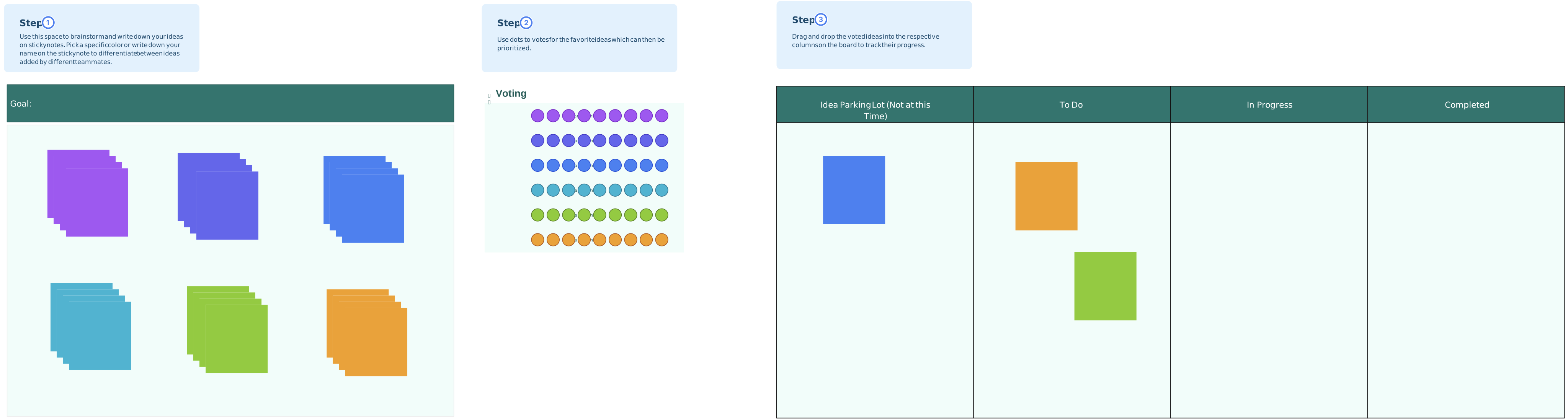
2. Idea & sketch templates
Idea and sketch templates give participants a consistent space for independent solution work. They make alternatives easier to compare, but the team should evaluate concepts against the sprint goal and available evidence rather than assuming every idea received equal consideration.
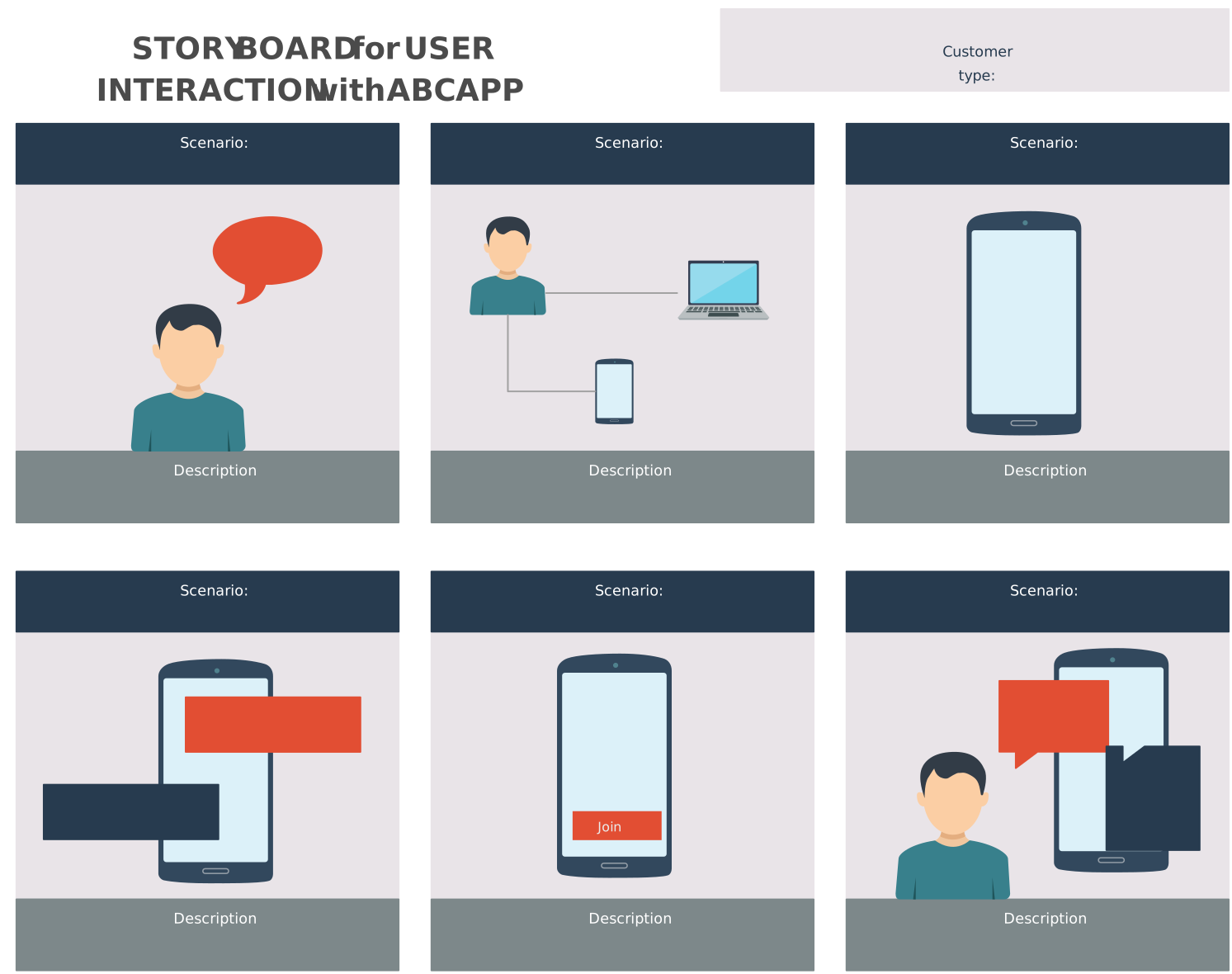
3. Decision & storyboard template
A storyboard records the selected concept as a sequence of scenes or interactions. It gives the prototype team a shared build plan and makes the scope of the test explicit. It documents the decision; it does not prove that the chosen concept is the best solution.
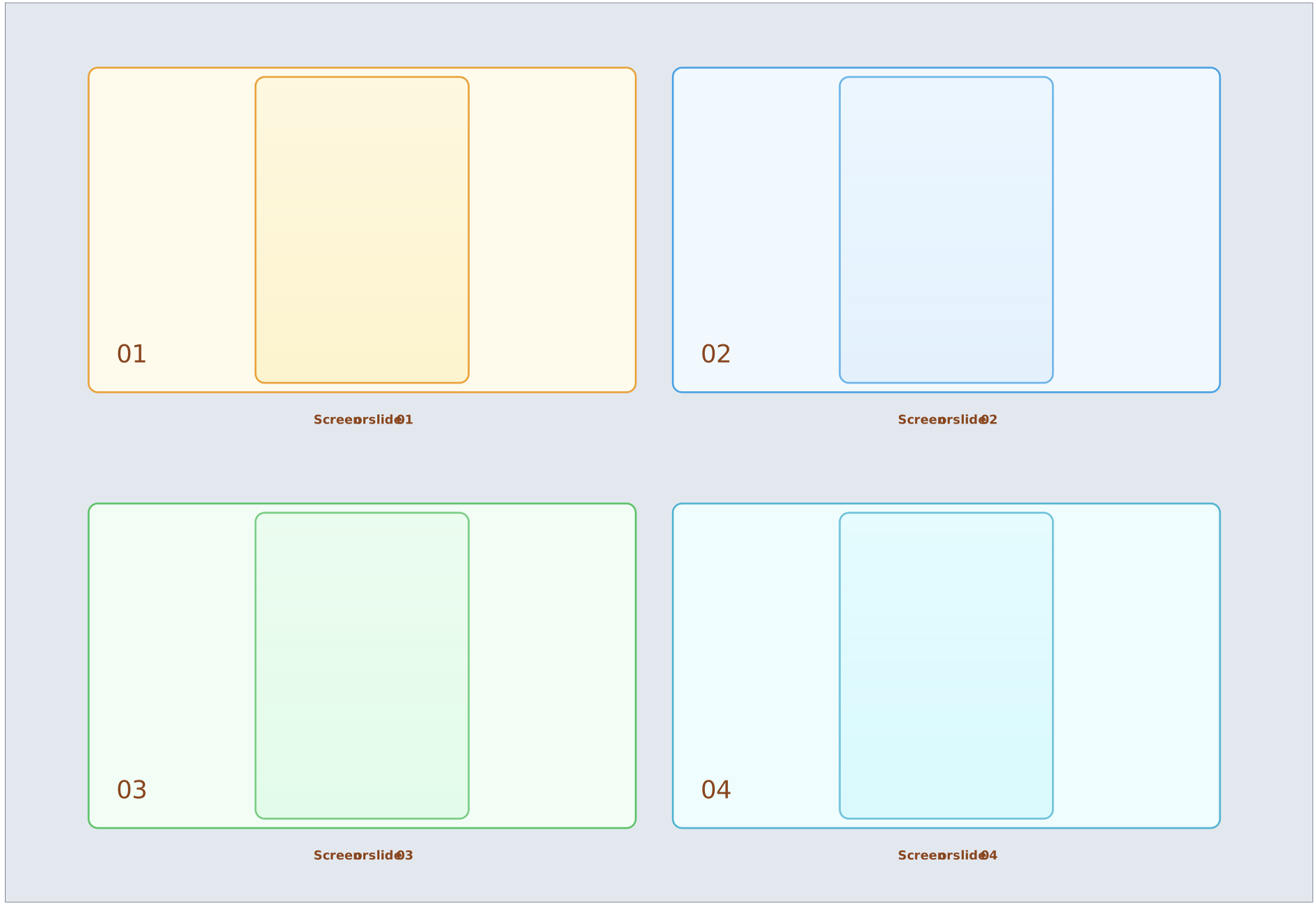
4. Prototype & test template
A prototyping template helps define which experience to simulate, while a research plan records the target participants, learning questions, interview prompts, and evidence-capture method. The quality of the findings still depends on appropriate recruitment and consistent research practice.
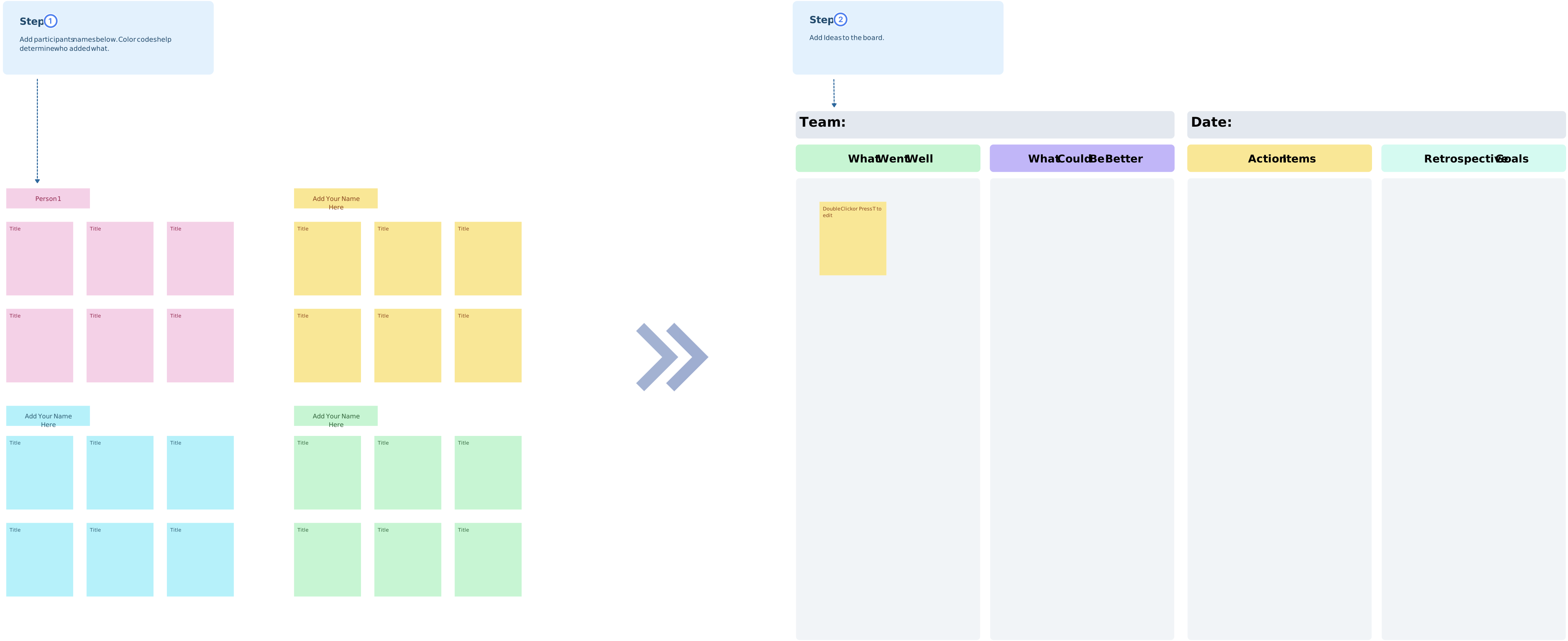
5. Sprint retrospective template
After the sprint, a retrospective template helps the team discuss what supported or hindered the process and choose specific improvements for the next sprint. Assign owners to agreed changes and revisit them later rather than assuming the retrospective alone will improve performance.
Accelerate Your Design Sprints with Creately AI
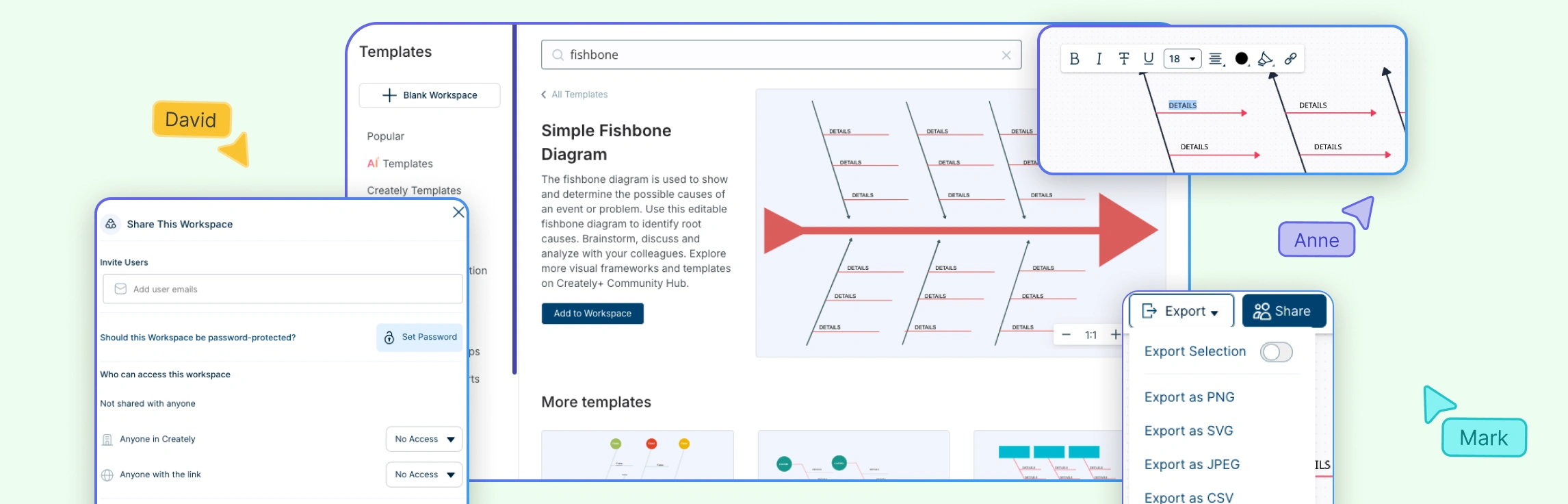
Creately’s design sprint template provides a shared visual workspace for organizing research, goals, sketches, decisions, storyboards, prototypes, test evidence, and follow-up context.
- AI-assisted setup: Creately’s editable AI Design Sprint Template can generate a structured starting board from a brief. Review and tailor the output to the sprint challenge, evidence, participants, and schedule rather than treating generated content as validated research.
- Real-time collaboration and review: Team members can edit together, use comments and @mentions, and keep discussion attached to the relevant sprint element. This supports collaborative review without implying a separate formal approval workflow.
- Connected sprint context: Notes, links, files, images, owners, and structured details can stay connected to research, decisions, open questions, and next steps.
- Visual sprint tools: Teams can map journeys, organize independent sketches, build storyboards, create low-fidelity prototypes, and present the sprint narrative in one workspace.
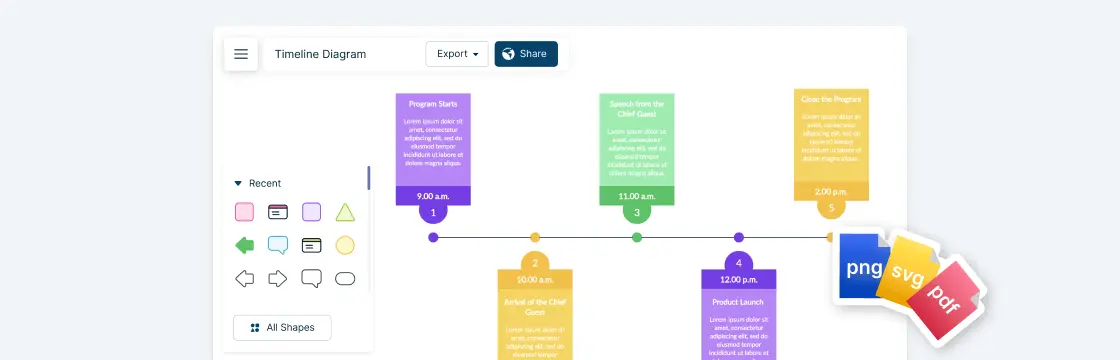
- Sharing and export: Teams can share the workspace or export sprint material in supported visual formats such as PDF, PNG, SVG, and JPEG.
Keep the sprint board as living documentation of what the team learned and decided. Record the research date and sources, distinguish observations from assumptions, assign owners to follow-up work, and update the board when later evidence changes the decision.
References
Arce, E., Suárez-García, A., López-Vázquez, J.A. and Fernández-Ibáñez, M.I. (2022). Design Sprint: enhancing STEAM and engineering education through agile prototyping and testing ideas. Thinking Skills and Creativity, p.101039. doi:https://doi.org/10.1016/j.tsc.2022.101039.
Jake-Schoffman, D.E. and McVay, M.A. (2020). Using the Design Sprint process to enhance and accelerate behavioral medicine progress: a case study and guidance. Translational Behavioral Medicine, 11(5), pp.1099–1106. doi:https://doi.org/10.1093/tbm/ibaa100.