Logic Model Template
Manage Large-Scale Projects Effectively
A logic model template maps how program inputs and activities lead to measurable outputs and outcomes. Start with an editable template, build the model with stakeholders, and keep evaluation evidence connected to the plan.
- Built-in intuitive visual tools for planning and brainstorming
- Real-time collaboration to work with stakeholders anywhere
- Multiple pre-made templates for developing logic models
Over 10 Million people and 1000s of teams already use Creately
How to make a Logic Model?
Free Logic Model Templates to Better Position Programs For Success
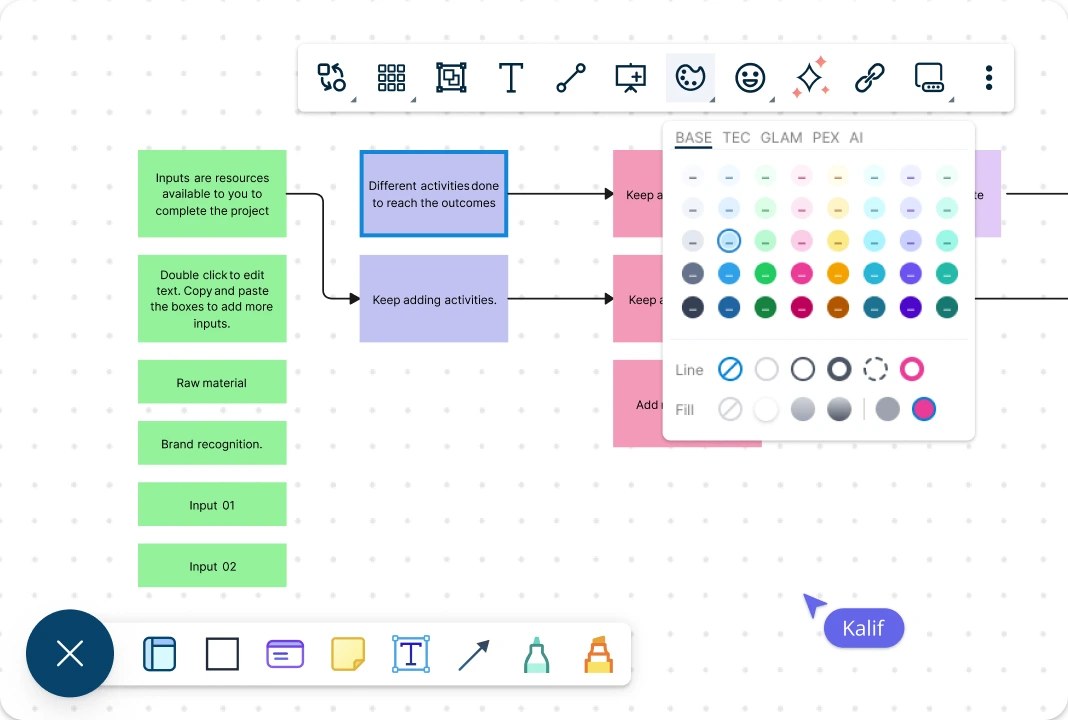
Easy-to-Use Visual Tools for Program Planning
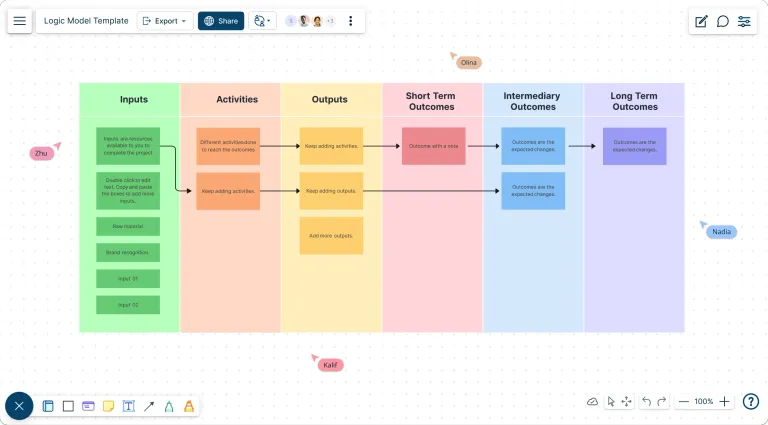
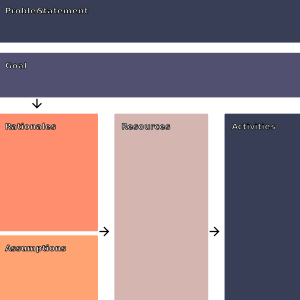
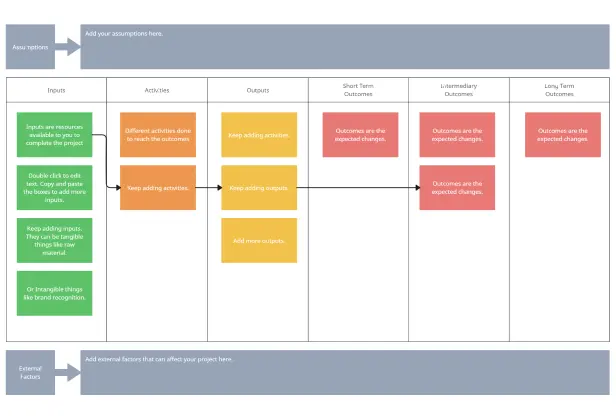
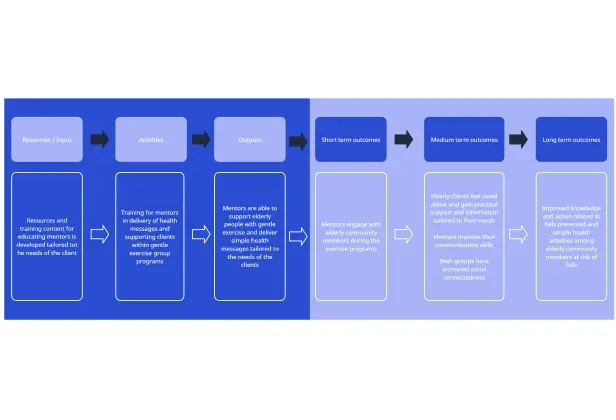
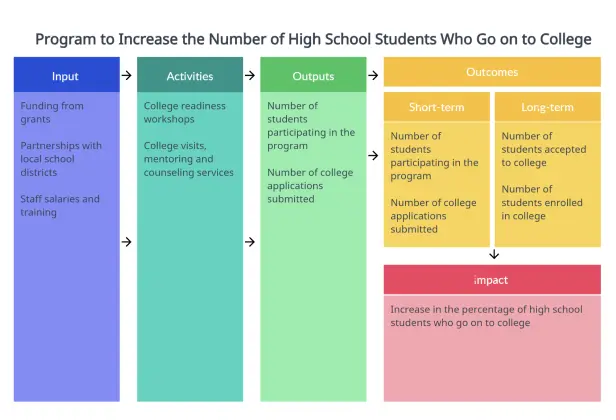
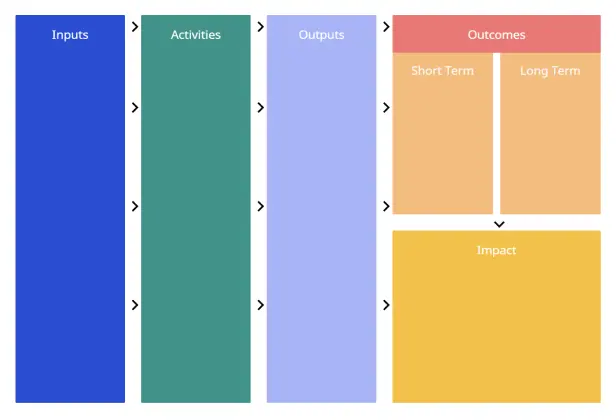
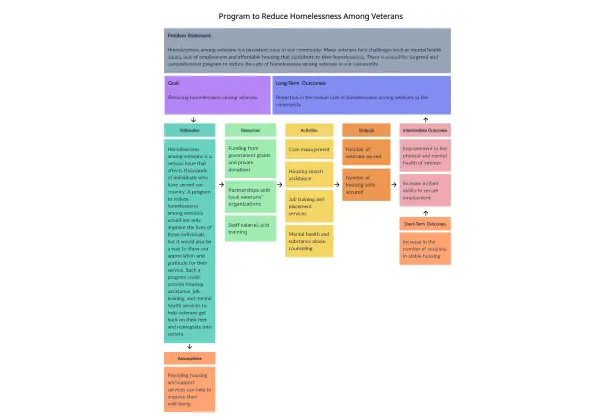
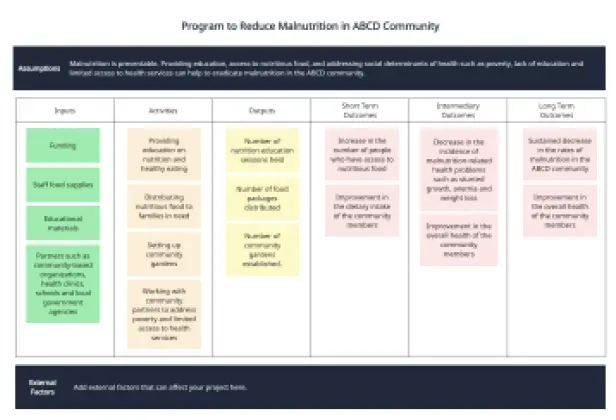
Start with an editable logic model template that already organizes inputs, activities, outputs, and outcomes. Add program evidence, assumptions, indicators, and ownership directly to the canvas so stakeholders can review the program logic without rebuilding the model in separate documents.
Coordinate Program Work in One Shared Model
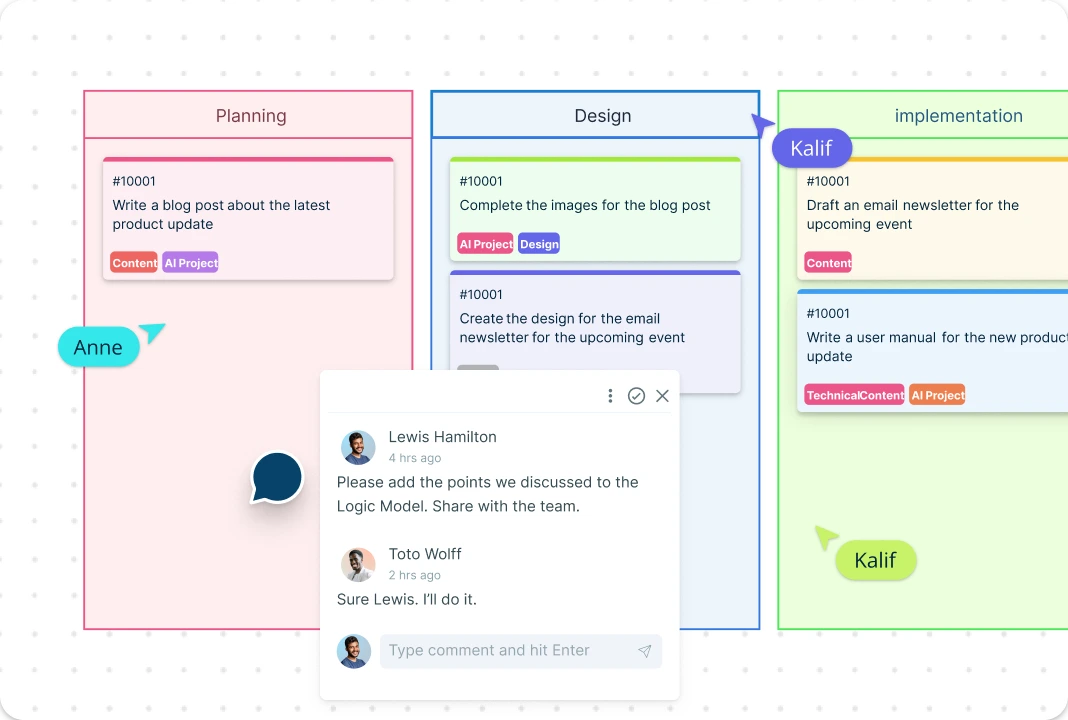
Plan, review, and revise the program with your team on one shared canvas. Live cursors show who is editing, while comments and @mentions keep decisions attached to the relevant input, activity, output, or outcome.
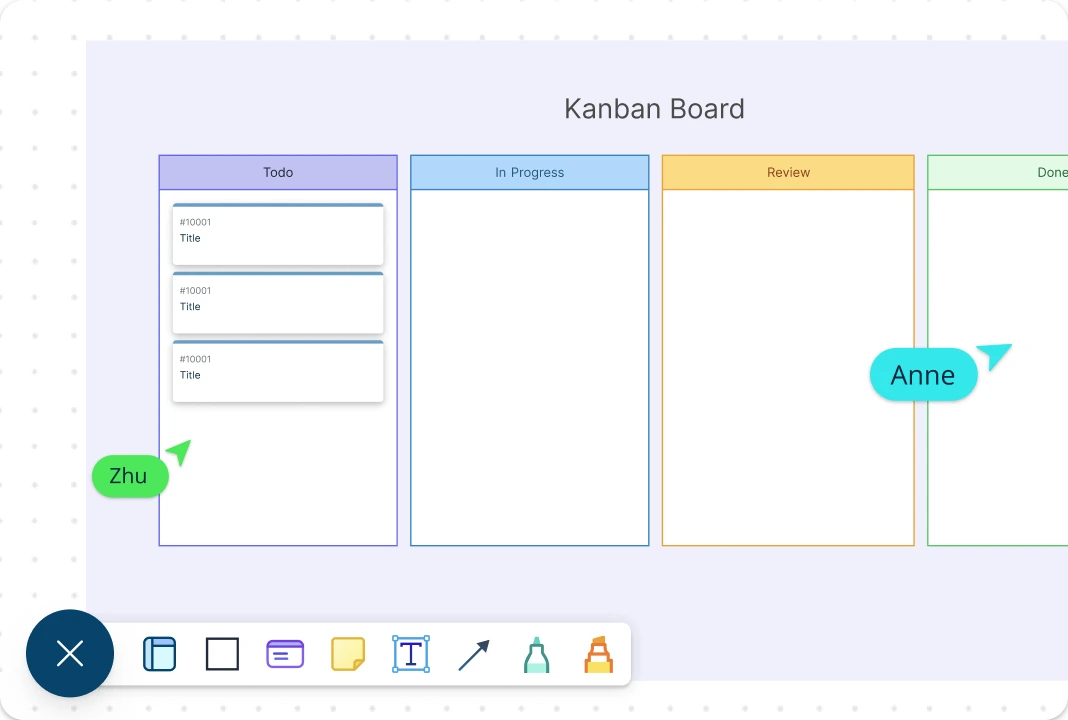
Monitor and Track Projects in a Single Place
Track program outcomes beside the activities intended to produce them. Assign work, record progress, and review indicators on the same canvas throughout planning, implementation, and evaluation.
What is a Logic Model?
A logic model is a one-page program roadmap that connects resources and activities to intended outputs and outcomes. The CDC program evaluation framework recommends showing these relationships clearly so teams and stakeholders can understand how the program is expected to produce change. Program managers and evaluators can then use the model to align implementation, indicators, and evaluation questions.
When a team is still choosing which strategic response to implement, a TOWS analysis template can turn SWOT factors into options before those actions and outcomes are mapped in the logic model.
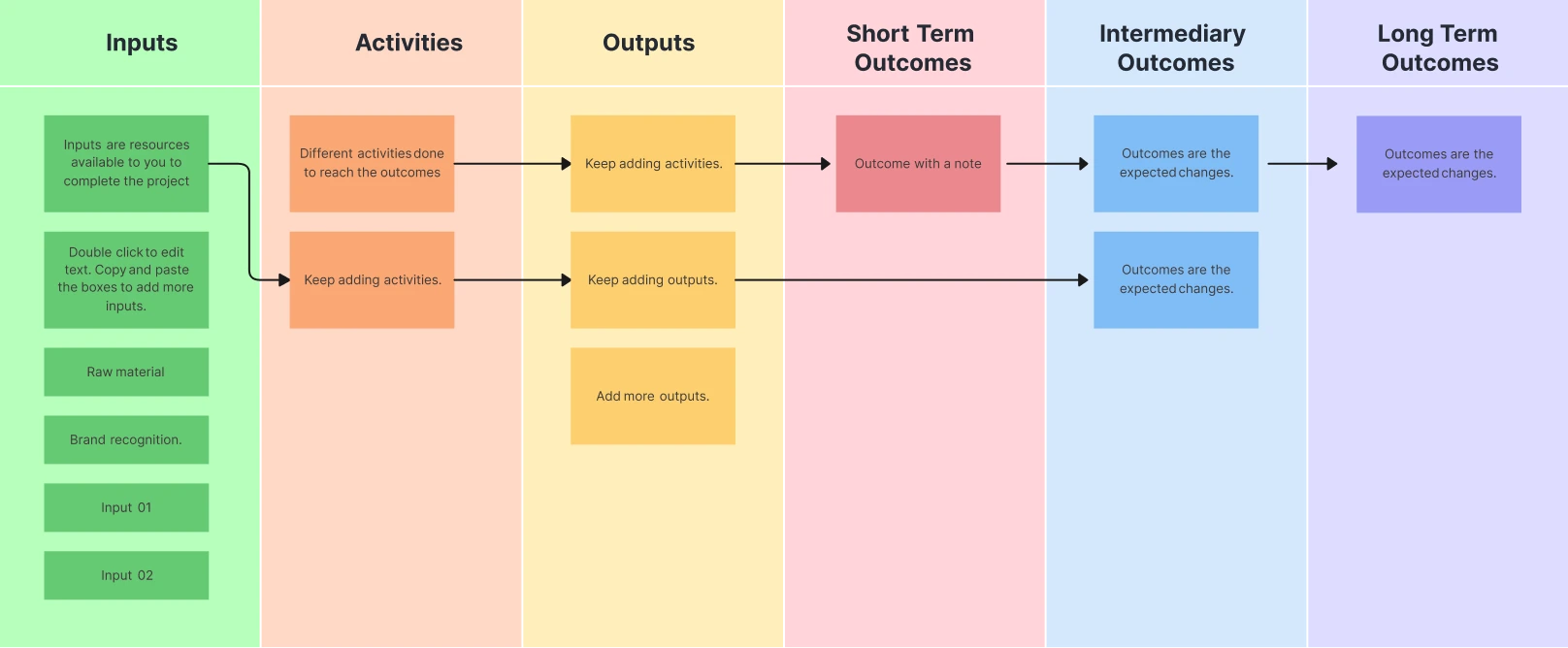
Logic Model Example for a Community Mentoring Program
Need:
Students need consistent academic support and access to trusted adult mentors.Inputs:
Program funding, a coordinator, trained volunteer mentors, school partners, meeting space, and student referral data.Activities:
Recruit and train mentors, match mentors with students, run weekly mentoring sessions, and review attendance and goal progress each month.Outputs:
Number of mentors trained, students matched, sessions delivered, attendance rate, and individual learning plans completed.Short-Term Outcomes:
Students attend sessions consistently, report stronger support, and complete agreed learning activities.Intermediate Outcomes:
Participating students improve assignment completion, classroom engagement, and confidence in setting academic goals.Long-Term Outcomes:
Students improve course completion and remain on track for graduation.
The example separates activities from outputs because an output records what the program delivered, while an outcome records the change that followed. CDC guidance on developing logic models also recommends sequencing outcomes from short term to intermediate and long term. Add assumptions and external factors beside the chain so evaluators can see where context may affect results.
How to Create a Logic Model Collaboratively with Creately?
Open a Logic Model Template:
Select one of Creately’s ready-made logic model templates, add it to your workspace, and invite your team members to brainstorm the program requirements and the problem it addresses. Using Creately’s real-time collaboration, participants can work simultaneously to contribute ideas directly on the template using shapes, notes, or comments.Add Key Resources:
Identify key resources or program inputs such as human resources, office supplies, field resources, investments, and contributions. Group required resources separately from optional but helpful resources using color coding, icons, or shape grouping to improve clarity and shared understanding.Add Key Outputs and Program Outcomes:
Identify the key outputs, including actions team members must take, services delivered, or products created to achieve program objectives. Then determine the program outcomes or desired goals. Map outputs and outcomes visually and categorize outcomes as short-term, mid-term, or long-term using lanes, columns, or connected shapes.Add External Factors:
Add external factors that may hinder or reinforce program progress, such as environmental obstacles, contextual constraints, or complementary programs you can collaborate with. Visually link these external factors to affected areas of the logic model to quickly assess risks, dependencies, and reinforcing conditions.Add Program Indicators:
Identify program indicators that support reporting and evaluation of results. Attach process indicators to specific program activities and outcome indicators to the defined goals on the template. Notes, data fields, or linked documentation can be added directly to elements, ensuring indicators remain connected to the logic model as it evolves.Test and Share Logic Model :
Test the logic model with a small group of stakeholders to gather feedback and make revisions. Creately’s comment threads and @mentions allow teams to discuss specific elements directly on the diagram and assign follow-up actions. Once finalized, the logic model can be easily shared via link or exported, ensuring alignment and transparency across all stakeholders.
What are the Different Types of Logic Models?
Theory of Change Logic Models:
Focuses on the underlying assumptions and beliefs that shape the design and plan for a program. These models give a detailed explanation of why a particular program should produce its intended change.Outcomes Logic Models:
Concentrates on the initial stages of program planning and aims to link resources and activities to the intended outcomes of the program. These models often categorize outcomes and impact over time to describe short-term (1 to 3 years), long-term (4 to 6 years), and impact (7 to 10 years) that may result from a given set of activities.Process Logic Models:
Focuses heavily on the detailed steps of program implementation. They connect the various planned activities in a way that illustrates the progression of program execution. These models outline what a program intends to accomplish and are particularly useful for monitoring and managing the program.
More templates and frameworks to improve strategic planning and program evaluation
FAQs about the Logic Model
What are Creately’s logic model template pricing plans?
- Free Plan — $0/month for basic logic model creation and collaboration
- Starter & Team Plans — $8/month or $5/month billed annually
- Business Plan — $149/month or $89/month billed annually
Annual billing helps you save more while adding advanced collaboration, workspace management, and enhanced logic model features. You can compare all available plans and features on the Creately Pricing Page.
How can you create logic models faster?
Are there templates for different logic model use cases?
Can teams collaborate on logic models?
Can I add notes, data, and files?
Can I share, present, or export logic models?