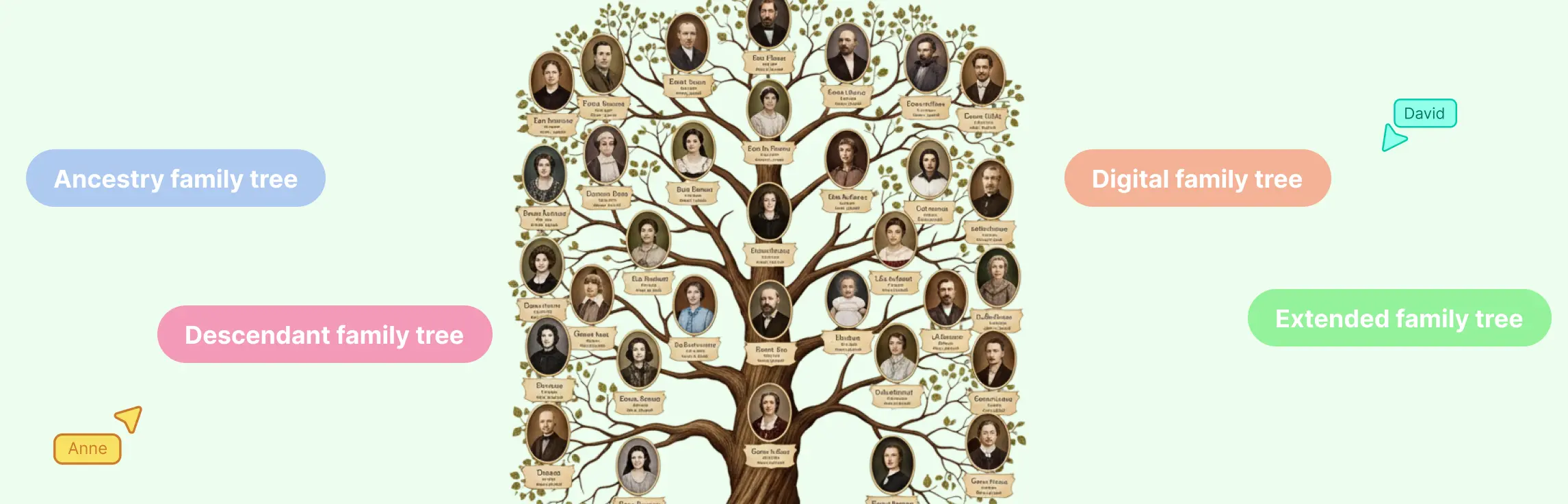
A family tree is one of the easiest ways to see how people in your family are connected across generations. Whether you’re making one for a school project, personal research, a family event, or just to preserve family history, the key is to keep it clear, organized, and easy to update.
In this guide, you’ll learn how to make a family tree step by step, from gathering family information to arranging relationships visually.
What You Need Before You Start Drawing the Family Tree
Before you begin drawing your family tree, take a little time to gather the information you already have. Starting with the right details will make the process much easier.
You may already know the names of your parents, grandparents, siblings, children, and close relatives. You might also have access to useful family records, photos, or documents that can help fill in missing details.
Here are some of the things to collect before you start:
- full names
- birth and death dates
- marriage details
- places where family members were born or lived
- old family photos
- certificates, letters, or records
- details shared by parents, grandparents, or other relatives
Do not worry if you do not have everything right away. You can start with what you know and keep adding more as you go.
How to Create a Family Tree
Step 1: Decide how far back your family tree will go
Before adding names, decide how large you want your family tree to be.
A simple family tree may include just three generations, such as you, your parents, and your grandparents. A larger one might include great-grandparents, cousins, aunts, uncles, grandchildren, and more.
The size of your family tree usually depends on why you are making it.
For example:
- for a school assignment, a small family tree may be enough
- for a family keepsake, you may want to include more branches
- for genealogy research, you may want to go back as many generations as possible
- for a family reunion or presentation, you may want a tree that is easy to read and share
Starting with a clear scope helps you stay organized and keeps the tree from becoming overwhelming.
Step 2: Start with yourself or the main person
The easiest way to begin is to place yourself at the starting point of the family tree. If you are creating the tree for someone else, such as a child, grandparent, or ancestor, start with that person instead.
This person becomes the root of the tree. From there, you can build upward to parents and grandparents, and outward to siblings, spouses, children, and extended relatives.
Starting with one central person gives your tree a clear structure and makes it easier to expand step by step.
Step 3: Add immediate family first
Once you have your starting person, begin by adding the closest family members first.
This usually includes:
- parents
- siblings
- spouse or partner
- children
Immediate family is the foundation of your family tree. Adding these relationships first helps you create a clear structure before moving into larger branches.
At this stage, focus on getting the basic relationships right. You can always add extra details such as birth dates, places, and photos later.
Step 4: Build out each generation
After you have added immediate family, start expanding the tree generation by generation.
You can move upward to include:
- grandparents
- great-grandparents
- great-great-grandparents
And outward to include:
- aunts
- uncles
- cousins
- nieces and nephews
- grandchildren
A good way to do this is to work one branch at a time. For example, complete your mother’s side first, then your father’s side. This makes the tree easier to manage and helps you avoid missing people or duplicating branches.
As your tree grows, spacing and layout become more important. Try to keep each generation aligned so the relationships are easy to follow.
Step 5: Add key details for each person
Once the main structure is in place, begin adding important details for each family member.
Depending on your goal, you may want to include:
- full name
- maiden name
- birth date
- death date
- birthplace
- marriage date
- occupation
- short notes
- photos
You do not need to add every detail for every person right away. Start with the basics and add more over time.
If some details are unknown, leave space for them or mark them clearly as unknown. That way, your family tree stays accurate while still giving you room to expand later.
Best Practices to Make a Family Tree
Choose a format that fits your needs
There is no single right way to make a family tree. The best format depends on what you need and how you want to use it.
Some common options include:
- Hand-drawn family tree: This is a good option for school work, family activities, or quick sketches. It is simple and personal, but it can be hard to update once the tree grows.
- Printable family tree chart: A printable chart is useful if you want a neat layout that can be filled in by hand or displayed at home.
- Digital document or presentation: You can make a family tree in a document, slide deck, or design tool. This works for basic projects but may become difficult to manage for larger trees.
- Online family tree maker: This is often the easiest option for larger or more detailed family trees. It gives you more flexibility to move people around, add details, and update the tree as new information comes in.
Choose a format that matches your needs now but can also grow with your family history research.
Use family tree symbols and lines correctly
To make your family tree easy to understand, it helps to follow a consistent visual structure.
A typical family tree uses shapes and lines to show people and relationships clearly. For example, each person is represented by a shape or name box, and lines are used to connect parents, children, siblings, and partners.
When building your tree, make sure to:
- keep people in the same generation on the same horizontal level
- connect partners clearly
- connect children to their parents in a consistent way
- group siblings together under the same family line
You do not need to make the diagram too technical. The goal is clarity. As long as relationships are easy to follow, your family tree will do its job well.
Include blended and non-traditional family structures clearly
Not every family fits a simple traditional structure, and your family tree should reflect that.
You may need to show:
- remarriages
- step-parents
- step-siblings
- adopted children
- guardians
- multiple partnerships
- single-parent families
The most important thing is to show these relationships clearly and respectfully. Avoid forcing complex family structures into a layout that does not fit. Instead, use labels, notes, and a clean visual arrangement to make connections easy to understand.
A good family tree should represent real family relationships, not just the simplest version of them.
Check for missing information and verify details
Before calling your family tree complete, review it carefully.
Check for:
- spelling mistakes
- missing names
- incorrect dates
- duplicate people
- unclear relationships
- gaps in generations
If you are using information from memory or family conversations, it is a good idea to confirm important details where possible. Birth and death certificates, family records, and older relatives can help verify names, dates, and places.
If you are unsure about something, add a note instead of guessing. A family tree is much more useful when it is clear about what is confirmed and what still needs checking.
Customize, save, and share your family tree
Now that your family tree is structured, you can make it more meaningful and useful.
You might want to:
- add family photos
- include short notes or stories
- color-code branches
- add locations or timelines
- print it for display
- share it with relatives for feedback
- keep an editable version for future updates
Family trees often grow over time. New names, dates, and stories may come up as you talk to relatives or discover old records. Saving your family tree in a format you can edit later makes future updates much easier.
Why Choose Creately for Family Trees
Premade family tree templates: Get started faster with ready-made templates that give you a clear structure from the beginning. This makes it easier to build a family tree without starting from scratch.
Easy drag-and-drop editing: Add family members, move branches, and update relationships easily as your tree grows. This helps you make changes without having to redraw the entire chart.
Family tree shape libraries: Use built-in shapes to map family relationships clearly and keep the structure organized. This is useful for both simple family trees and more detailed family history charts.
Space for extra family details: Go beyond names and relationships by adding dates, notes, photos, and other useful information. This helps turn your family tree into a richer family record.
Organized, easy-to-read layouts: Keep your family tree neat and readable as it grows. Creately helps you maintain a clean structure so relationships stay easy to follow.
Easy sharing and collaboration: Share your family tree with relatives, work together in real time, and update it as you discover new information. This makes it easier to build a more complete and accurate tree.
Free Family Tree Templates
Now that you know how to make a family tree step by step, here are ready-to-use family tree templates you can use right away.
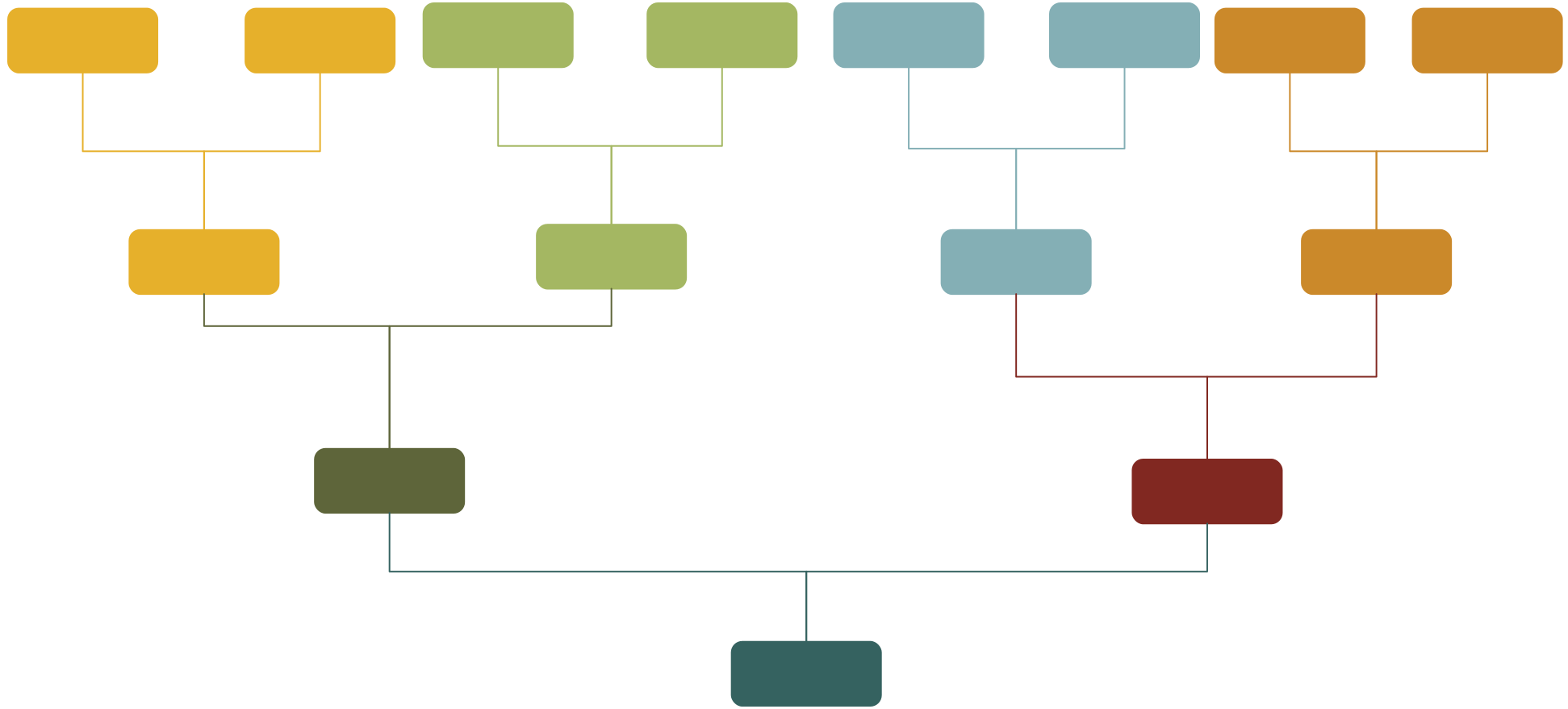
Blank Family Tree

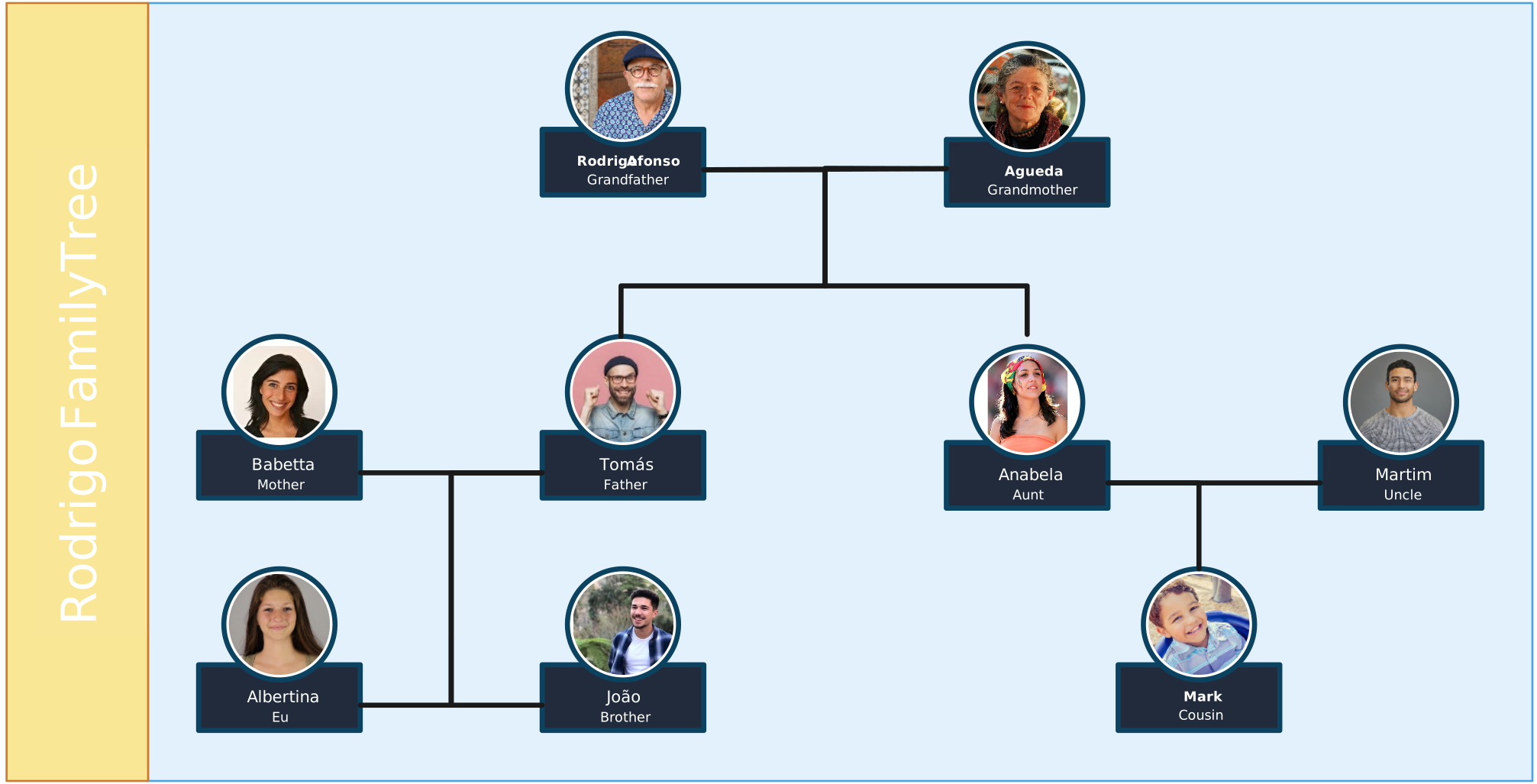
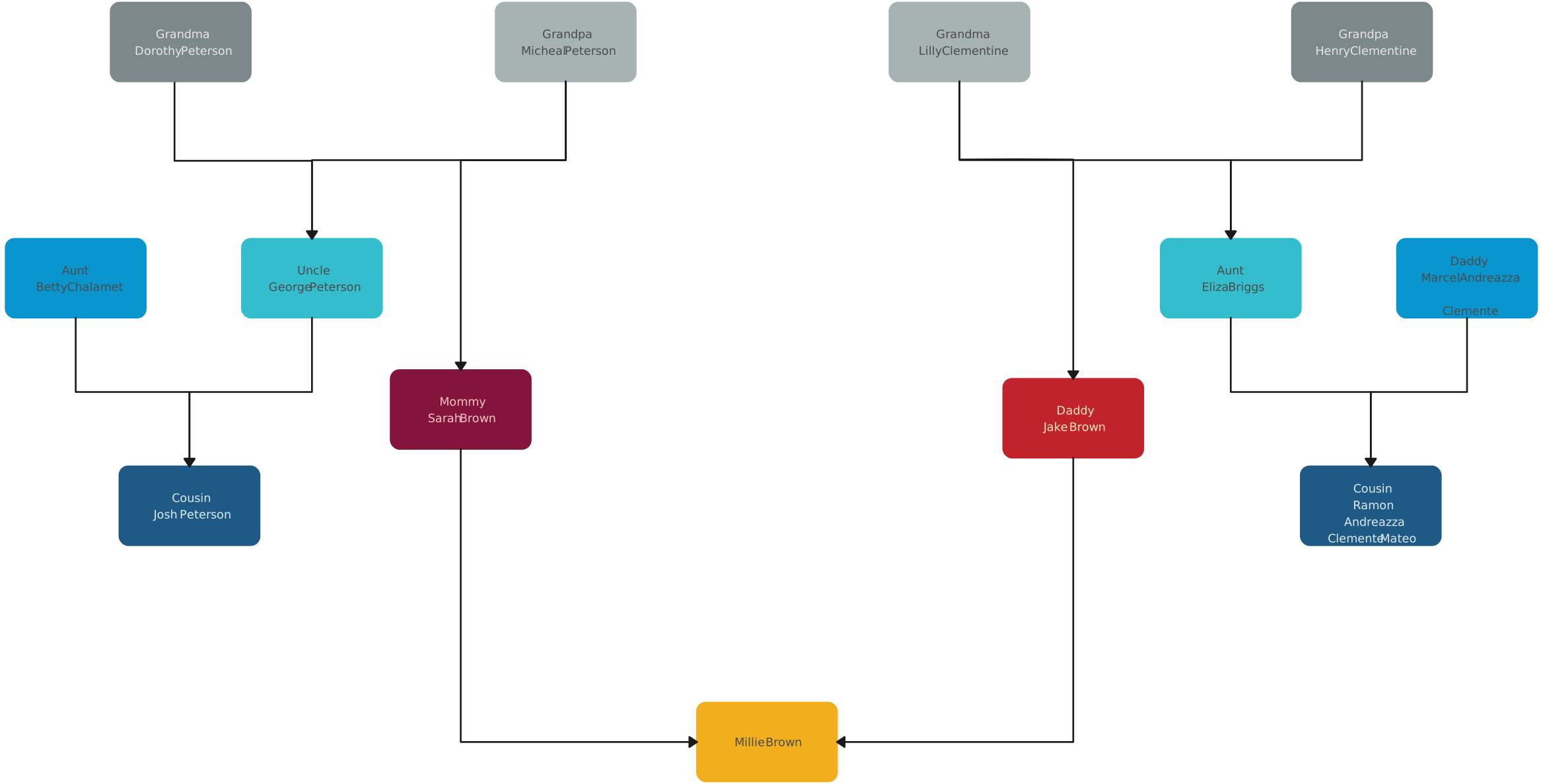
Rodrigo’s Family Tree
Vertical Family Tree Template

Descendants Family Tree Template
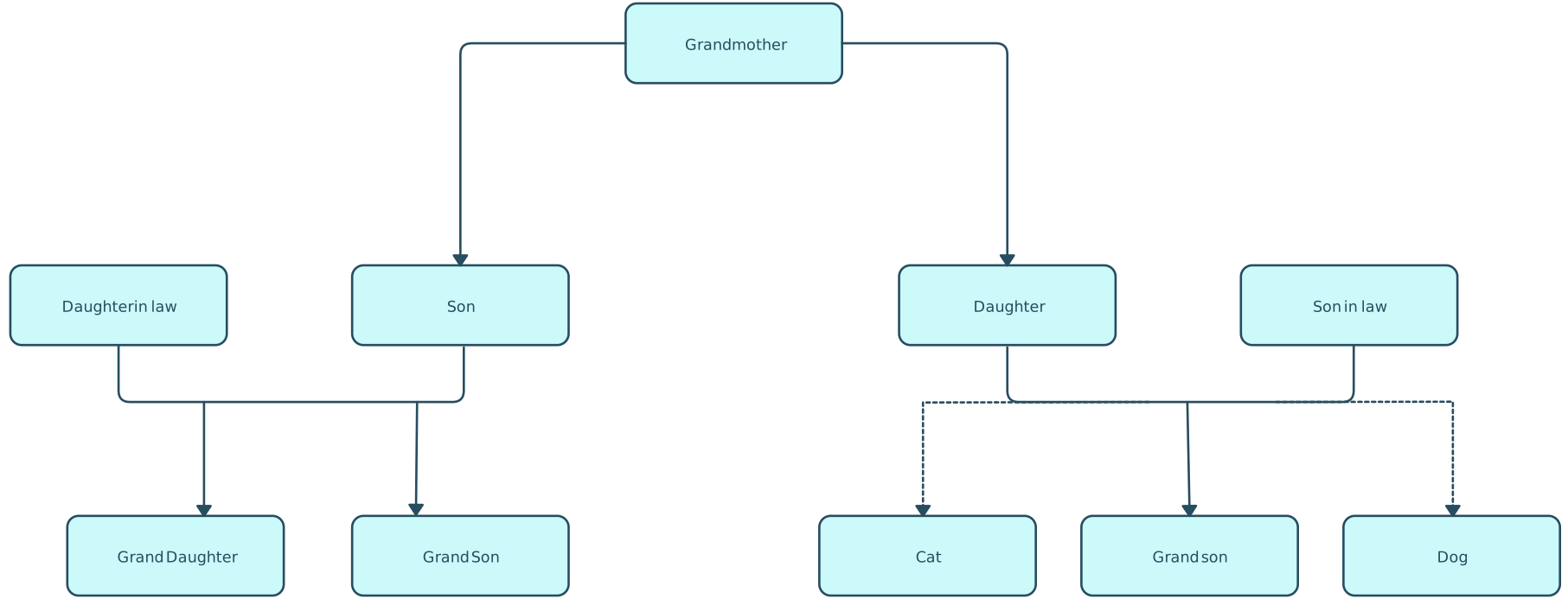
Family Tree
Helpful Resources
Learn how to create a family tree in Microsoft Word with simple steps and layout tips.
Learn how to build a family tree in Excel and organize family relationships in a spreadsheet format.
See how to create a family tree in Google Docs for easy editing, sharing, and collaboration.
Learn how to make a family tree in PowerPoint for presentations, school projects, or family events.
Learn how to turn your family tree into a poster that is easy to print, display, and share.