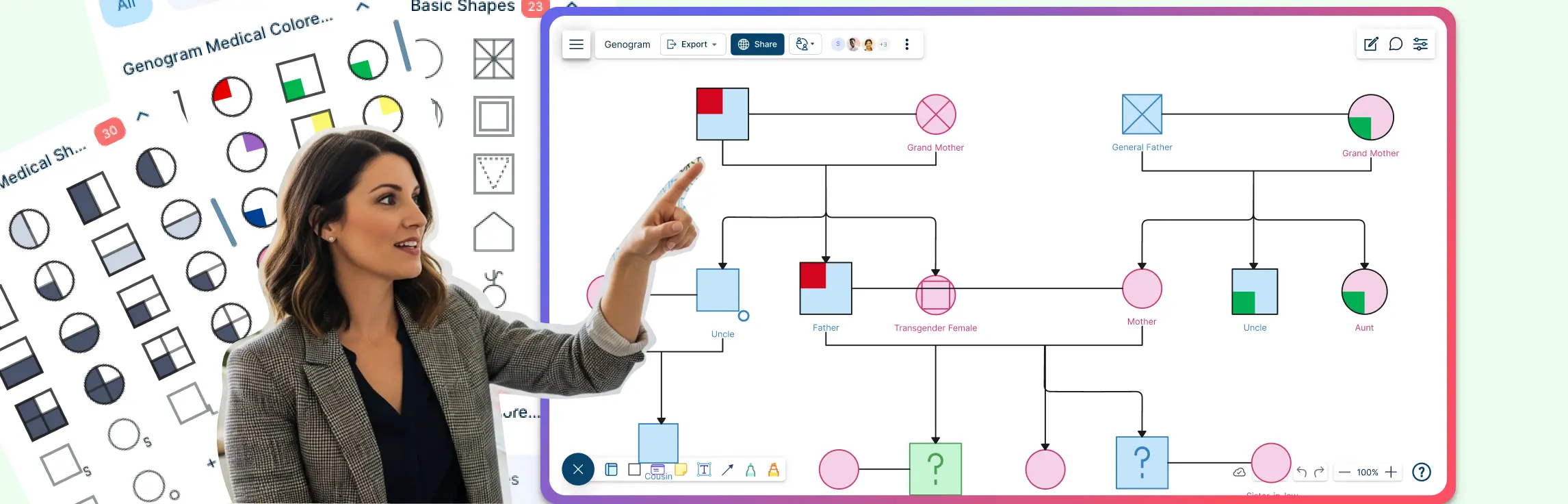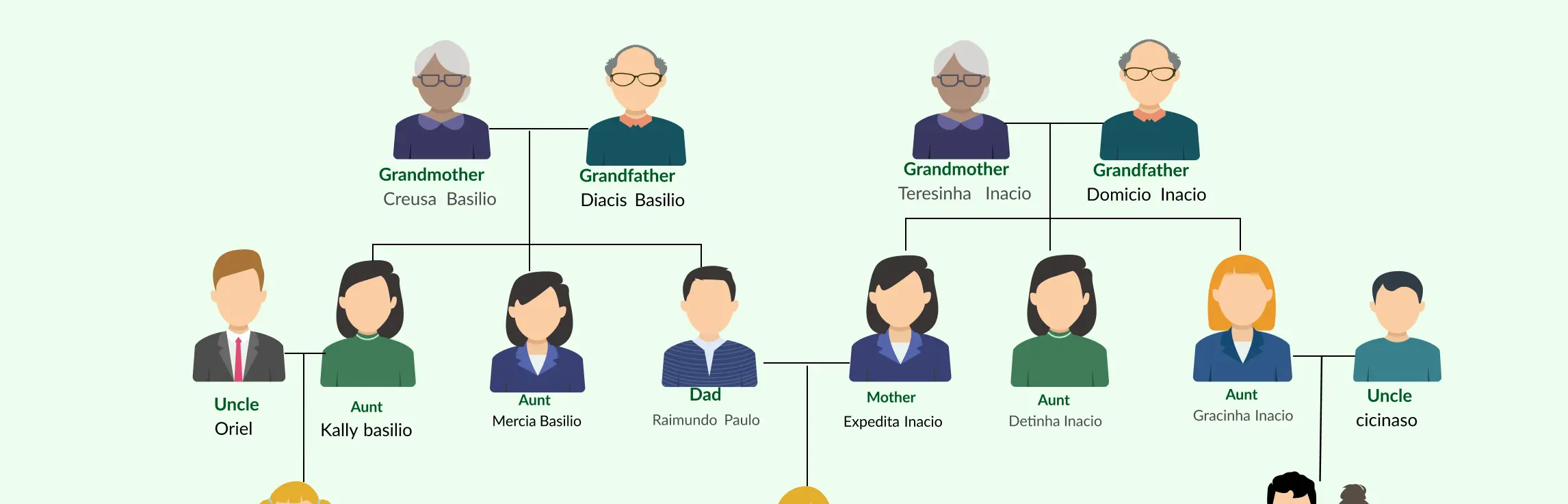
Starting a family tree drawing can feel overwhelming—messy notes, missing names, and multiple scattered versions can make it hard to see the bigger picture. That’s where a family tree poster comes in: it organizes your family’s history in a clear, visual way, connecting generations and preserving heritage for years to come. In this guide, we’ll show you exactly how to make a family tree poster step by step, with practical tips, inspiring poster ideas, and ready-to-use Creately templates to help you create a beautiful, shareable family tree without the stress.
What Is a Family Tree Poster?
A family tree poster is a visual representation of your family’s history, showing relationships across generations in an organized, easy-to-read format. Unlike a simple family tree drawing, which might be a rough sketch on paper or a digital draft, a family tree poster is designed to be print-ready, visually appealing, and shareable. It often includes names, birthdates, photos, and icons to make the lineage clear and engaging.
Family tree posters are perfect for:
- School projects where clarity and presentation matter.
- Ancestry research for tracing generations and mapping heritage.
- Genealogy enthusiasts who want a professional-looking record of their family history.
- Personal gifts or keepsakes, offering a meaningful, visual way to celebrate family connections.
By turning your family history into a polished poster, you can share stories, preserve memories, and make your family’s journey come alive.
What You Need to Make a Family Tree Poster
Before you dive into creating your family tree poster, it helps to gather a few essentials:
- Family information: Names, birthdates, and relationships across generations. Optional additions like photos or memorable icons can make your poster more engaging.
- Generational lists: Organize family members by generation, grandparents, parents, children, to make the hierarchy clear.
Choosing Your Tools: Paper vs. Digital
While you can sketch a family tree drawing on paper, a digital approach makes the process faster, neater, and more shareable. This is where Creately’s Family Tree Maker shines as a modern family tree maker. Whether you want to create a family tree from scratch or use a ready-made template, Creately helps you visualize, organize, and collaborate like never before.
Here’s how Creately supports every stage of making your family tree poster:
Brainstorm Family Connections
Use sticky notes, mind maps, and brainstorming tools to capture every relative, story, and connection before starting your family tree poster. No detail gets left behind.
Bring Your Family Tree to Life
Leverage Creately’s infinite canvas, drag-and-drop shapes, templates, and comprehensive shape libraries to create a polished, visually appealing family tree drawing or poster.
Organize and Refine Details
Keep your family tree accurate and up-to-date using centralized documentation, version history, notes panels, and contextual comments. Plan each generation clearly and avoid confusion.
Make Your Poster Informative
Add links, photos, multimedia, color codes, tags, and formatting to make your family tree poster both interactive and visually structured.
Collaborate Seamlessly
Work together with family members or classmates in real-time using @mentions, multiple cursors, and secure sharing with access control, perfect for joint projects or shared research.
Export Your Family Tree Poster in Multiple Formats
Once your family tree poster is ready, Creately lets you export it in PNG, JPEG, PDF, and SVG formats. SVG is especially powerful because it allows you to save large, high-resolution images without any pixelation, making your poster perfect for printing or sharing digitally at any size. Whether you want a poster for the wall, a school project, or a digital archive, exporting in SVG ensures your family tree remains crisp, clear, and visually stunning.
Steps to Create a Family Tree Poster
Creating a family tree poster doesn’t have to be overwhelming. With a clear plan and the right tools, you can create a family tree that’s visually stunning and easy to follow. Here’s a step-by-step guide to help you get started:
Step 1: Gather All Family Information
Start by collecting the essential details: names, birthdates, and relationships. Work from grandparents → parents → children to ensure you don’t miss any connections.
Tips to avoid missing details:
- Interview family members and jot down notes in one place.
- Use sticky notes or a mind map in Creately to brainstorm every relative, including distant cousins or in-laws.
- Keep a running list of photos or icons you might want to add later.
Step 2: Choose the Right Family Tree Format
Selecting the right format is key to a clear, organized poster. Consider these family tree poster ideas:
- Pedigree chart – Perfect for tracing ancestry from a single person backward.
- Descendant chart – Shows all descendants of a single ancestor.
- Three-generation tree – Ideal for classrooms or quick visual representation.
- Sibling branches – Helps visualize relationships between siblings clearly.
With Creately, you can quickly experiment with multiple layouts on the infinite canvas and see which format works best for your family tree.
Step 3: Select a Template (Or Start from Scratch)
Templates save time and help maintain a clean, professional look. Creately offers ready-made family tree templates and poster layouts that you can customize to match your family’s story.
- Use editable templates for a school project or ancestry research.
- Drag and drop shapes, add placeholders for photos, and color-code generations.
- Start from scratch if you prefer a unique design, you can still use Creately’s comprehensive shape libraries and formatting tools.
Step 4: Draw or Create Your Family Tree
Now it’s time to bring your family connections to life. Whether you’re doing a physical family tree drawing or a digital version in Creately:
- Drag and drop shapes for family members into the correct positions.
- Connect them using lines or relationship connectors.
- Label each person with names, dates, and optional details.
Using Creately, you can create a neat, scalable tree that’s easy to adjust as you add more relatives.
Step 5: Add Photos, Icons & Color Coding
Visual elements make your poster engaging and easier to read:
- Add photos of family members.
- Use icons for milestones or special notes.
- Apply consistent color codes to generations, families, or lineages.
You can attach multimedia, format nodes, and add tags to keep everything organized and visually appealing.
Step 6: Review, Print & Share
Before finalizing, double-check all relationships, names, and dates. Accuracy is key for a family tree poster that truly represents your family.
- Export your poster in PNG, JPEG, PDF, or SVG formats using Creately.
- SVG export ensures your poster remains crisp and scalable for large prints without pixelation.
- Share with family members or classmates using Creately’s collaboration features like real-time commenting, @mentions, and secure sharing.
Family Tree Templates You Can Use Right Now
Choosing the right template can save you time, make your family tree poster visually appealing, and help you create a family tree that truly tells your family’s story. Here are some inspiring template ideas you can use instantly in Creately:
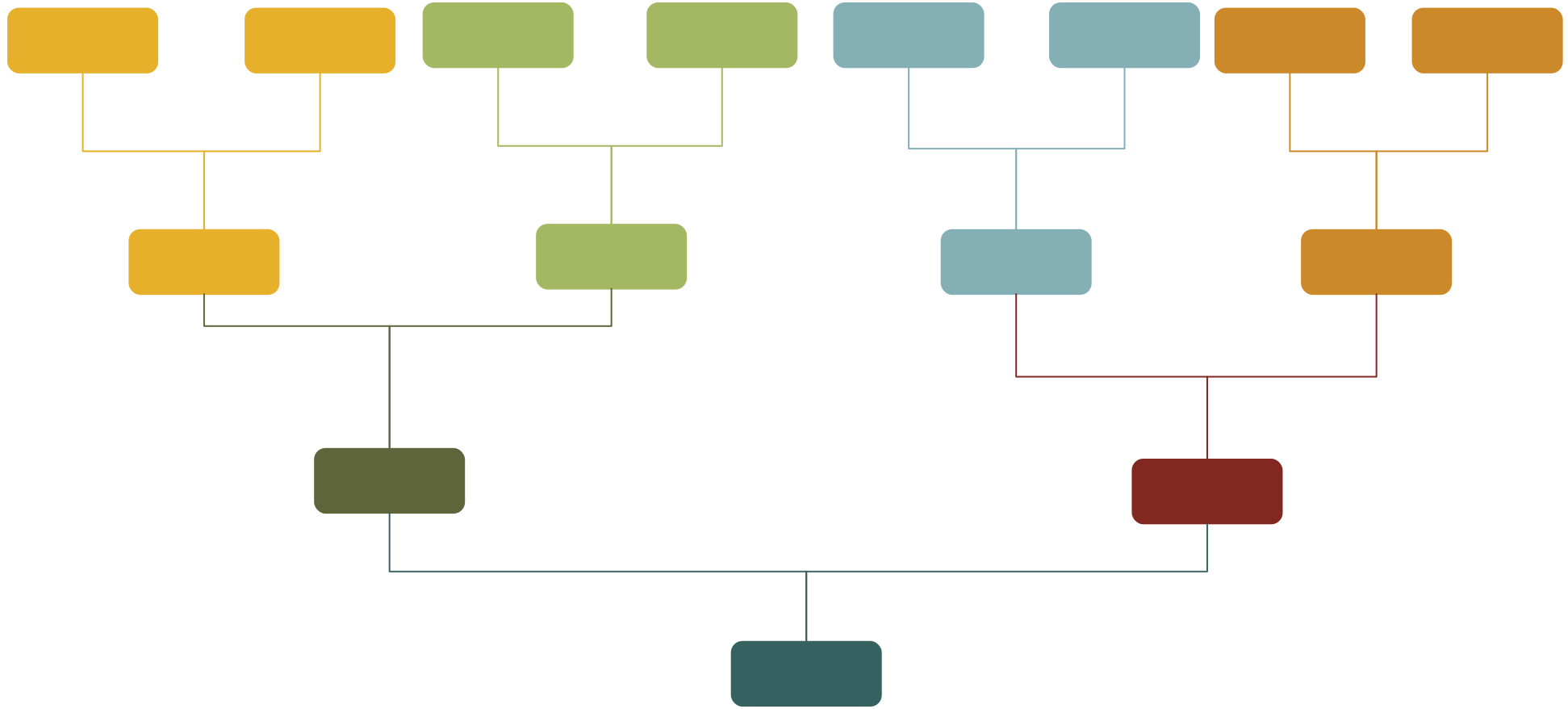
1. Minimalist Family Tree Poster
Perfect for a clean, modern look. Focuses on clear lines, simple shapes, and organized hierarchy. Ideal for classroom projects or home displays where readability matters.

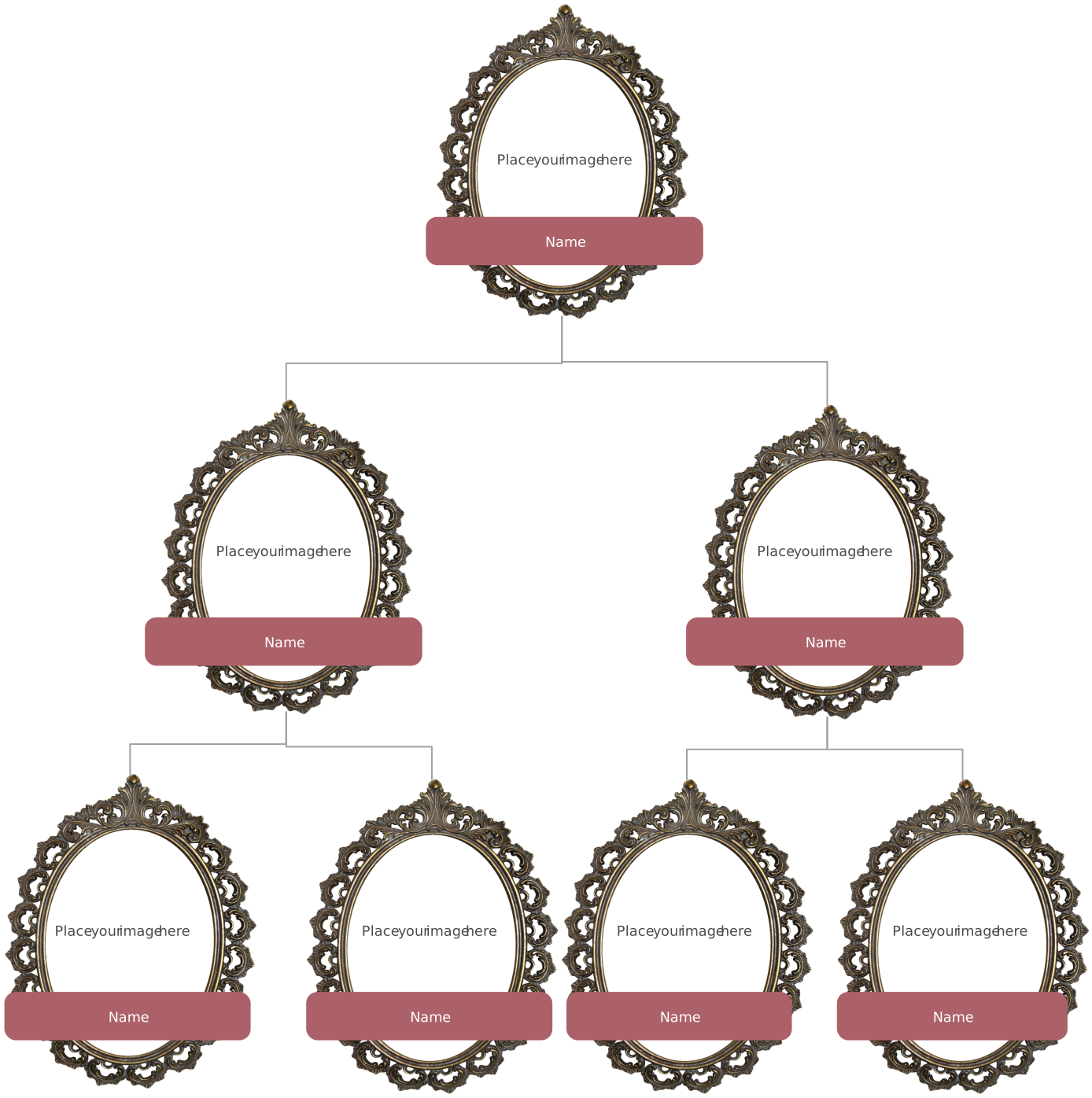
2. Vintage/Heritage Theme
Capture the nostalgia of your family’s history with a vintage-style template. Use sepia tones, decorative borders, and classic fonts to give your poster a timeless feel.
3. Photo-Based Tree
Bring your family to life by adding photos for each member. This template works well for gifts or keepsakes, giving a personal touch to your family tree drawing.
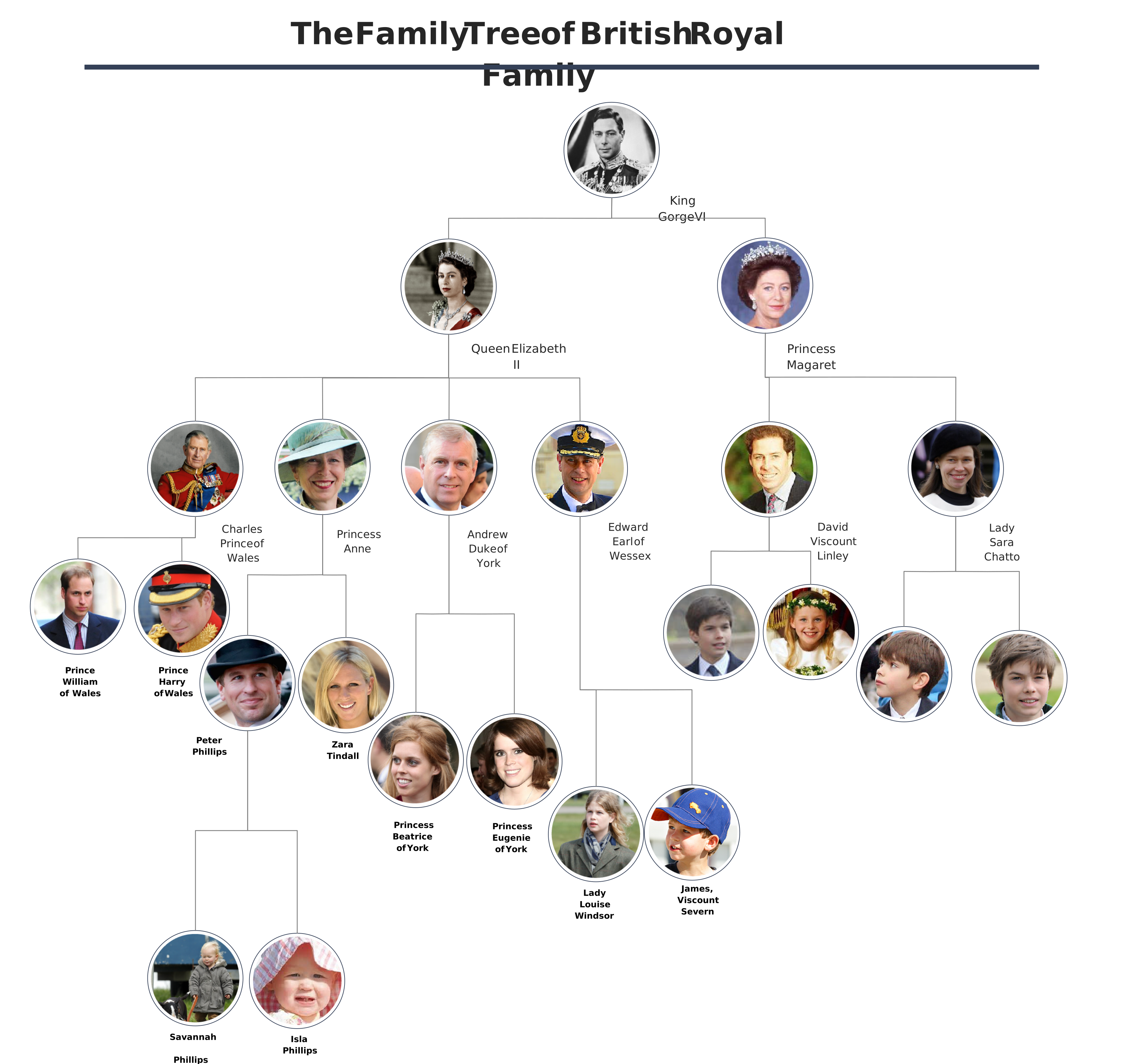
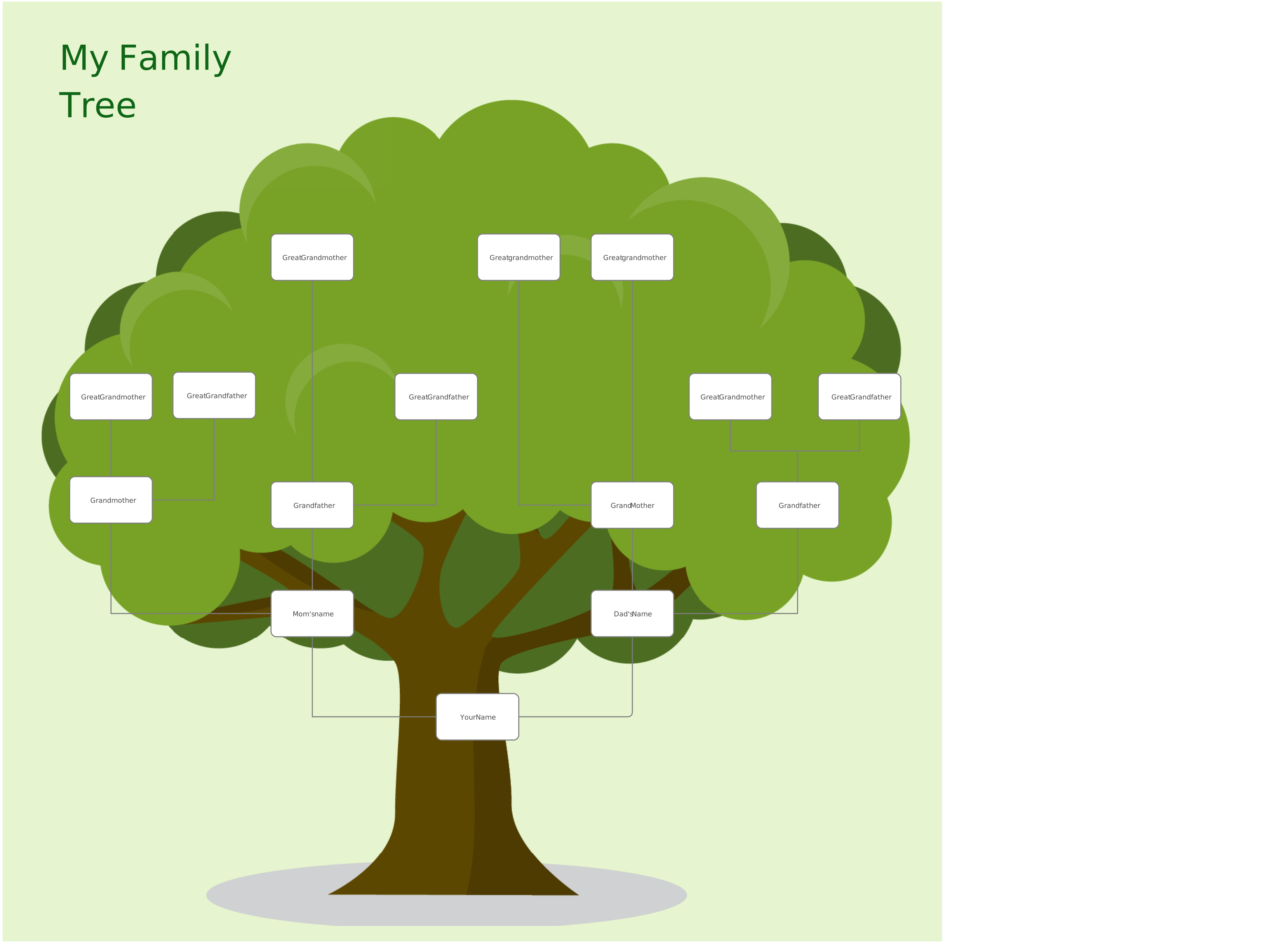
4. Kids’ Classroom Family Tree Drawing
Fun, colorful, and simple, perfect for school projects. Includes playful shapes and bright colors that make it easy for children to understand relationships.
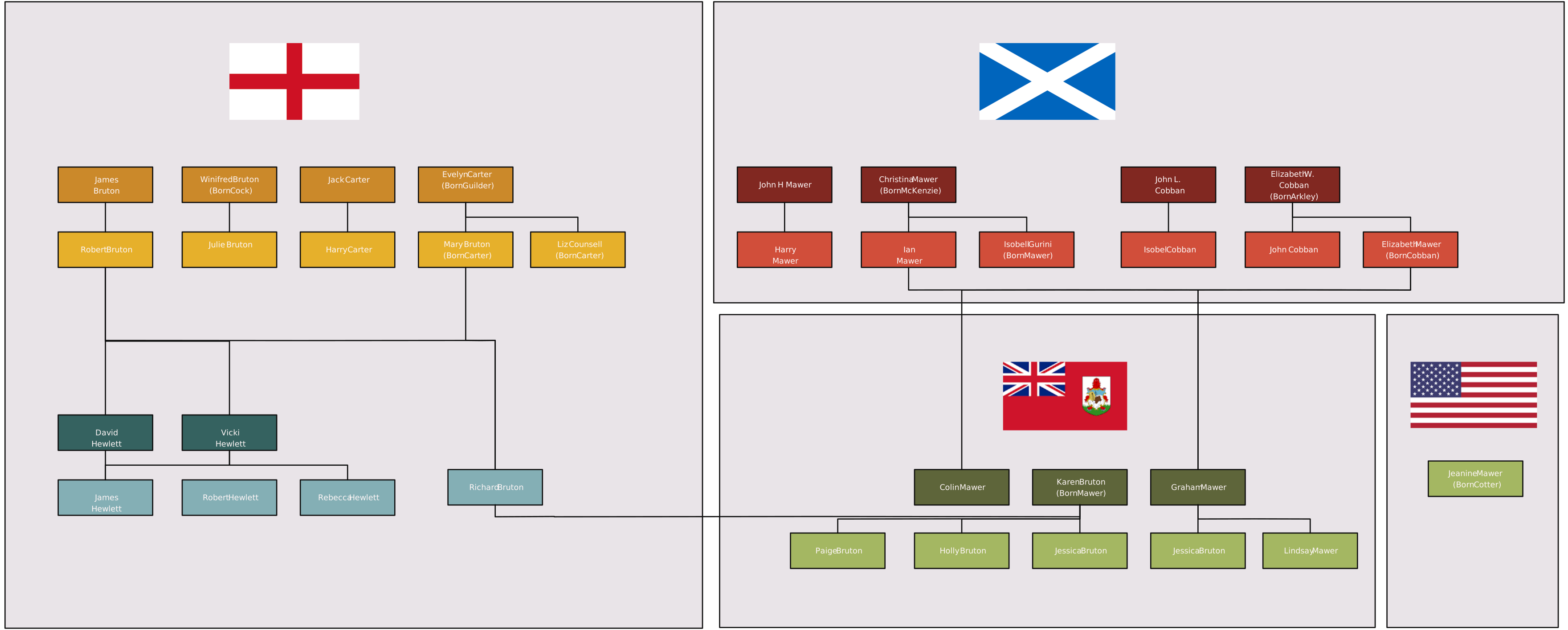
5. Modern Geometric Tree
Clean lines, bold shapes, and geometric design elements make this template visually striking. Great for digital posters or presentations.
6. Creative Shapes (Circle, Leaf, Timeline-Based Tree)
Step beyond the traditional tree layout. Use circular, leaf-shaped, or timeline-based templates to tell your family story in a unique, visually engaging way.
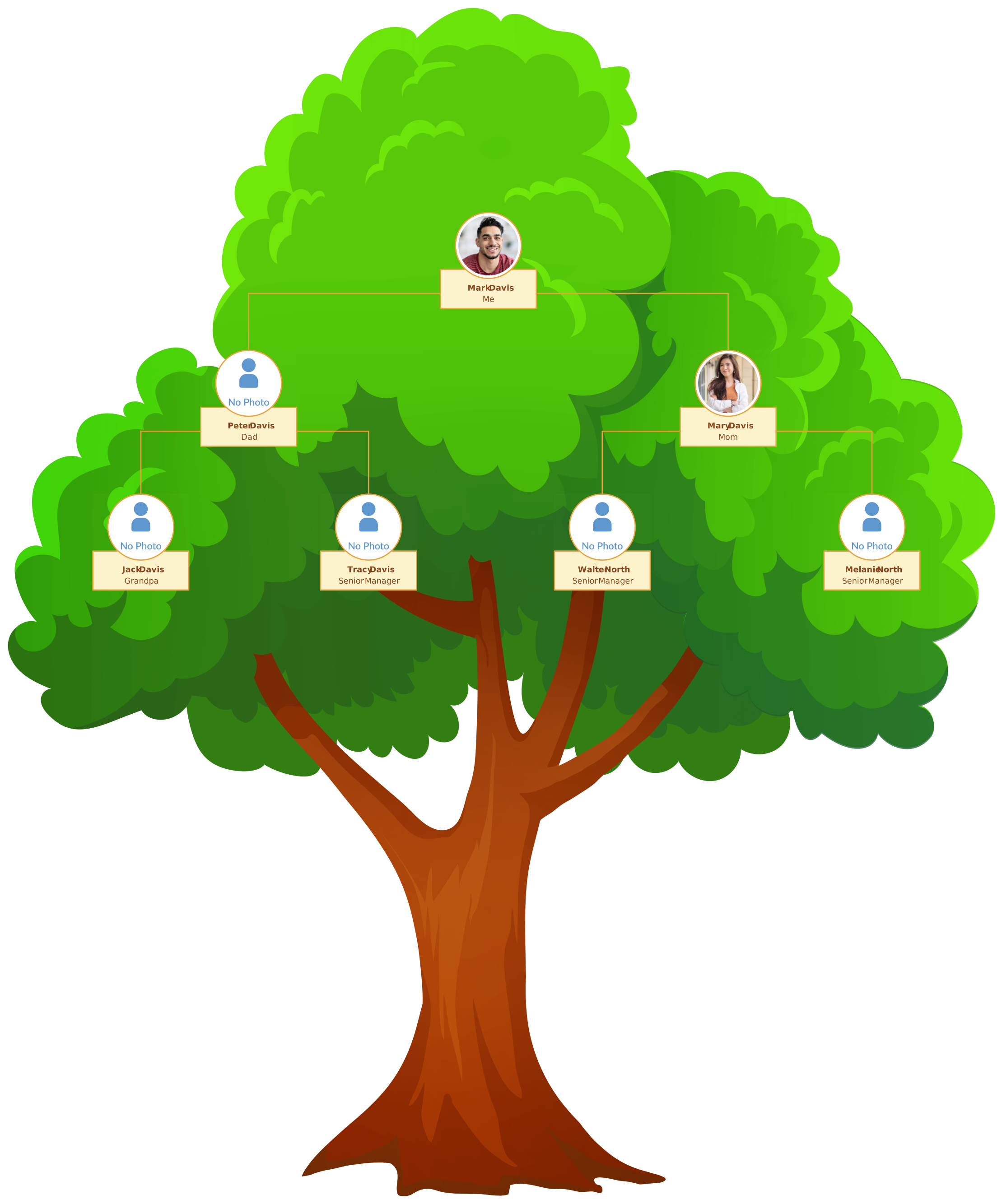
With Creately’s ready-to-use templates, you can customize any layout, add photos, color-code generations, and drag-and-drop shapes to create a professional-quality family tree poster in minutes.
Tips to Make Your Family Tree Poster Look Professional
Creating a family tree poster that looks polished and easy to follow is all about clarity, consistency, and thoughtful design. Here are some expert tips to help you elevate your poster:
1. Keep Hierarchy Clear
Arrange generations from top to bottom or left to right so that relationships are immediately understandable. A clear hierarchy ensures that your family tree drawing isn’t confusing, even as it grows in size.
2. Use Consistent Shapes
Stick to uniform shapes for family members, connectors, and labels. Consistency in shape and size makes your family tree poster visually organized and professional.
3. Balance Spacing
Give each family member enough room to prevent clutter. Balanced spacing improves readability and creates a cleaner visual flow, whether your poster is for a school project or a detailed ancestry chart.
4. Add Meaningful Color Coding
Use colors to differentiate generations, family branches, or relationships. Thoughtful color coding makes it easier for viewers to follow your tree at a glance and adds visual appeal.
5. Prepare for Printing
Check your poster’s size, format, and resolution before printing. If you’re using Creately, exporting in SVG ensures a high-resolution, scalable image that won’t pixelate, even for large wall posters.
Making a family tree poster is more than just a project, it’s a way to celebrate your family, preserve memories, and create a visual legacy that everyone can enjoy. By following this step-by-step guide and using Creately’s templates and visual tools, you can create a family tree that is accurate, engaging, and ready to share or print. Whether for a school project, ancestry research, or a personal keepsake, your family story has never been easier to organize, visualize, and showcase beautifully.
Resources: Lambrecht, Johan, and Jozef Lievens. “Pruning the Family Tree: An Unexplored Path to Family Business Continuity and Family Harmony.” Family Business Review, vol. 21, no. 4, Dec. 2008, pp. 295–313, https://doi.org/10.1177/08944865080210040103.