Rack Diagram Software
Design and Manage Your Server Rack Diagrams
Easily visualize, analyze, and troubleshoot your server infrastructure with Creately’s Rack Diagram Software.
Create a secure, central repository to store and manage all your rack diagrams.
Visualize every stage of your server infrastructure lifecycle for better planning and control.
Collaborate in real time and share instantly with your entire team for faster decisions.



 Diagramming Visual Collaboration Org Chart


Bring Visual Clarity to Complex Rack Designs
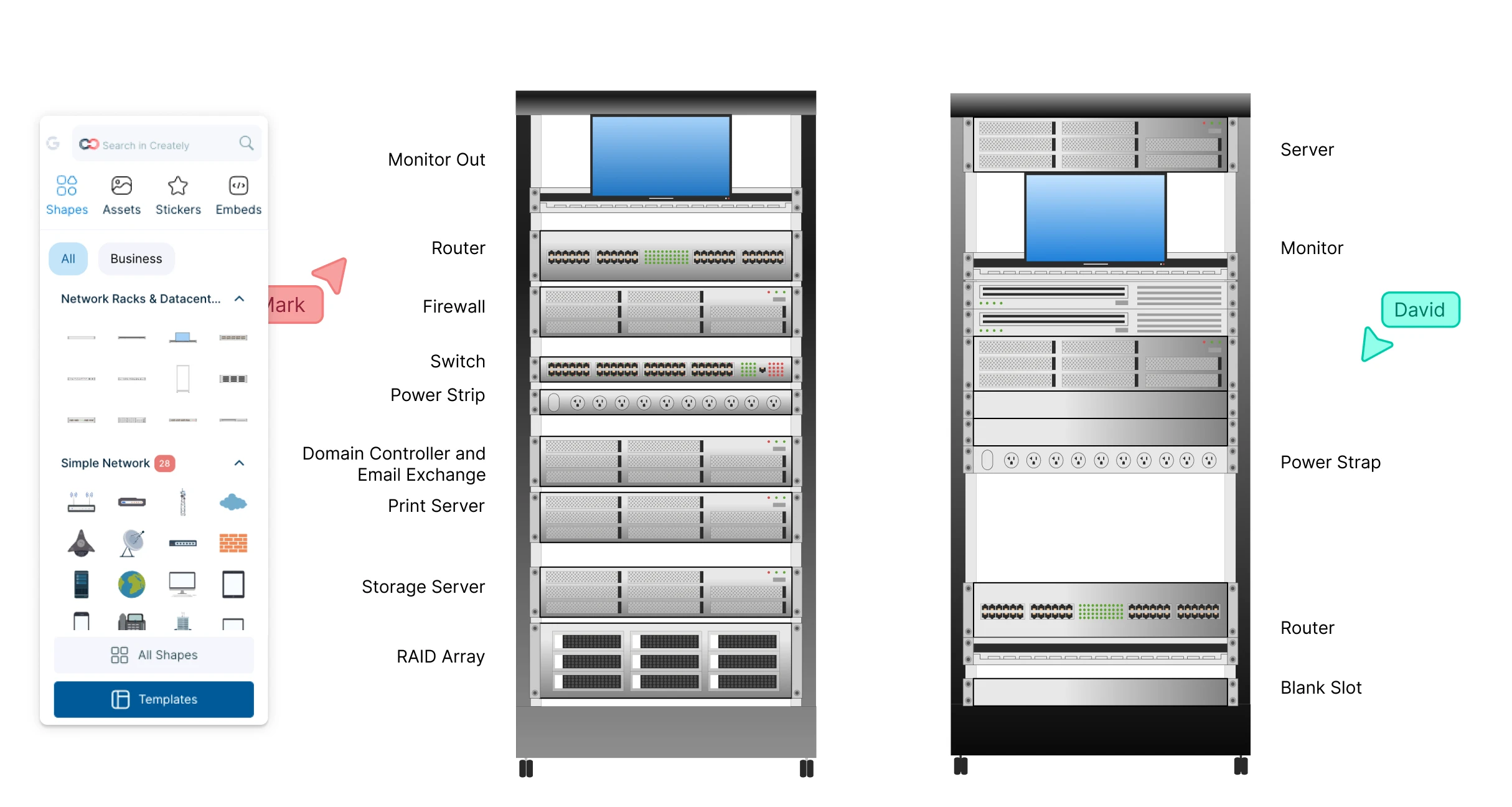
Visualize every stage of your server infrastructure with ready-to-use, customizable rack templates.
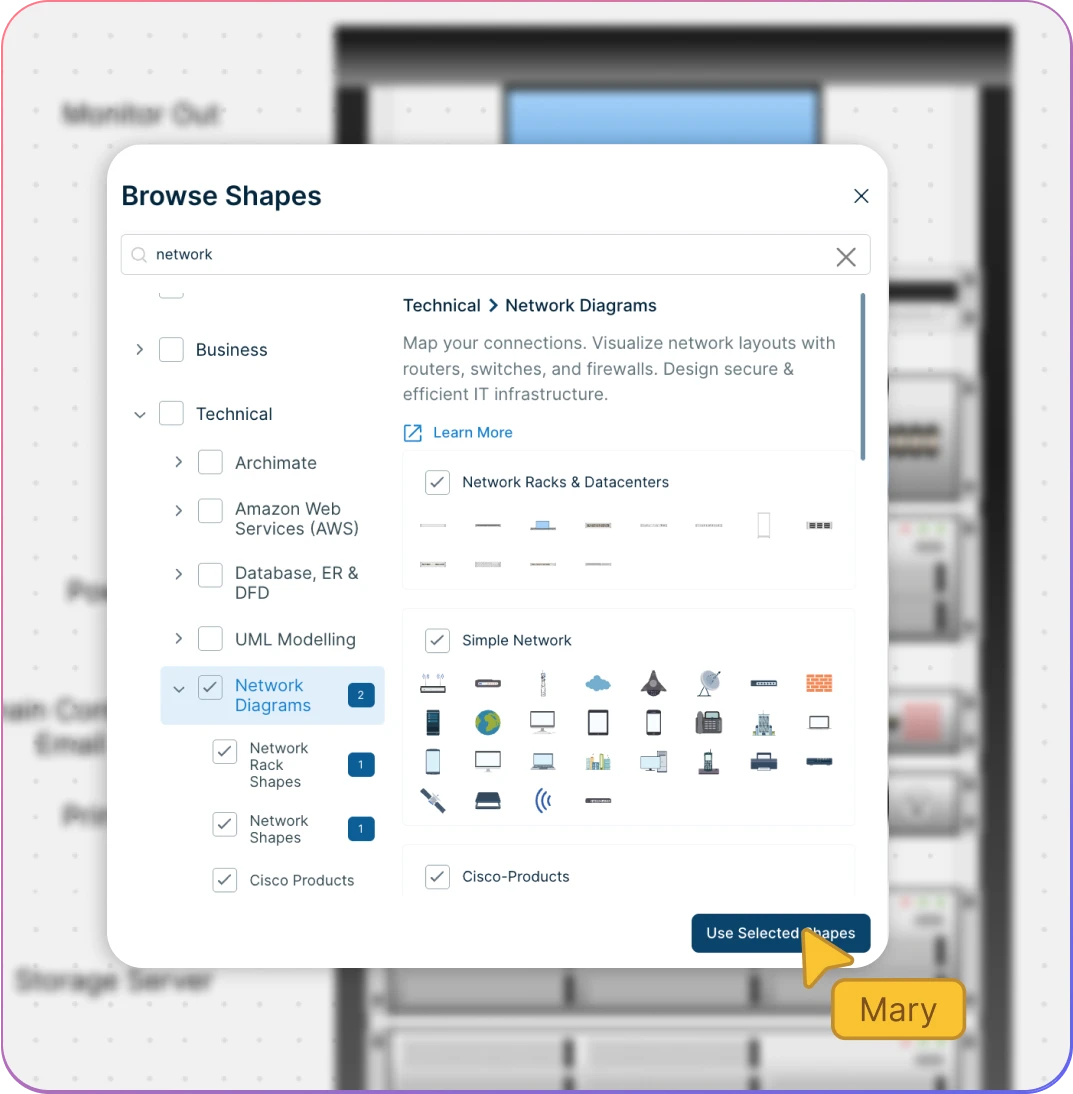
Use industry-standard rack symbols to build accurate, professional diagrams.
Differentiate components in the server rack builder using configurable color themes and formatting options.
Extend beyond racks when needed with support for network, UML, and data flow diagrams.

Centralize Your Infrastructure Data
Securely store and manage all your rack diagrams in one central repository.
Control access to the rack planner with permissions to ensure the right people see and edit your diagrams.
Import data and documents to collaborate with your team in a single workspace.
Integrate seamlessly with GitHub, Confluence, Google Workspace, and more.
Share and Troubleshoot in Real Time
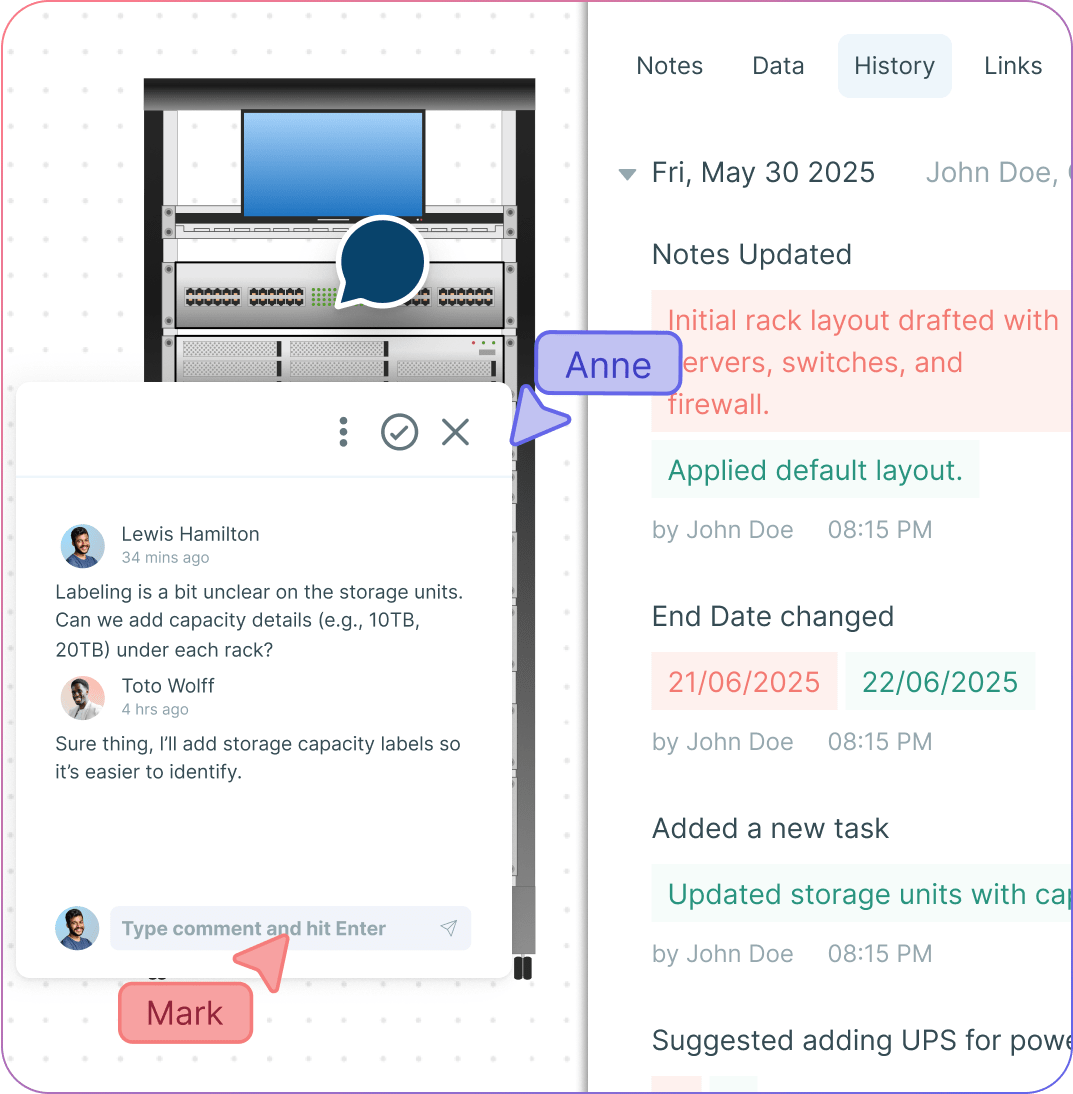
Work together on rack diagrams with real-time cursors and unlimited participants.
Add context with comments and discussions directly on the canvas to speed up troubleshooting.
Use @mentions and links to gather instant feedback from teammates and clients.
Track every change in the rack diagram tool and branch out from earlier versions with full version history.
What is a Rack Diagram?
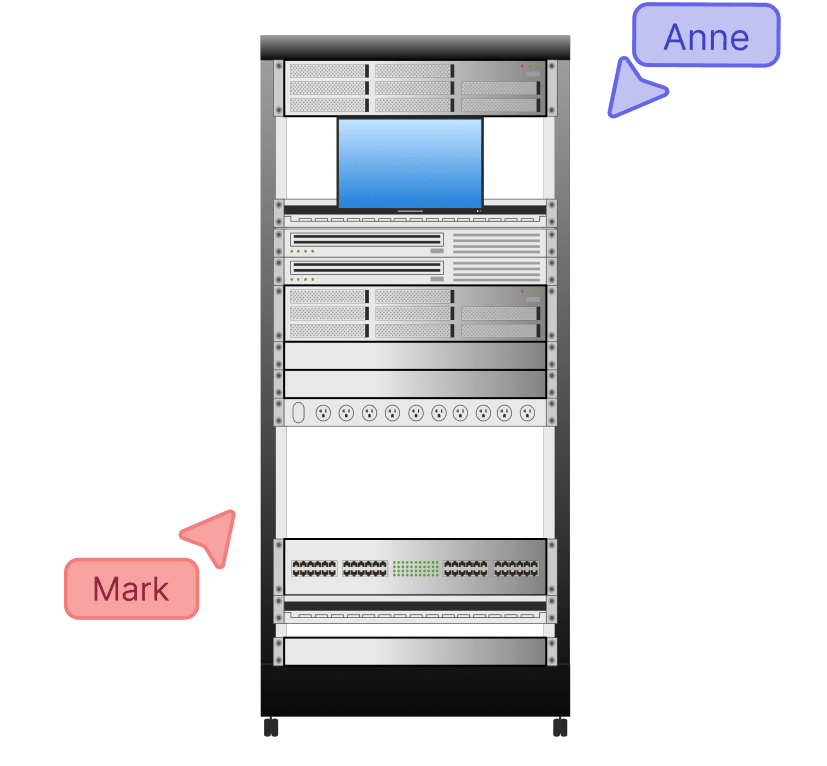
How to Draw a Rack Diagram
Open a Rack Diagram Template
Launch Creately and choose a pre-built rack diagram template to get started instantly. Alternatively, open a blank canvas and use the dedicated rack diagram shape library to build your diagram from scratch.
Customize Your Rack Layout
Adjust the rack’s size, scale, and structure to fit your infrastructure. Drag and drop additional servers, switches, and components from the shape library to expand your rack. Apply configurable color themes and formatting options to clearly differentiate components.
Add Details and Notes
Use the notes panel, sticky notes, and data fields to document specifications, cable connections, and power requirements. Attach links, images, or references directly to components so all relevant information stays in one place.
Collaborate in Real Time
Invite teammates or clients to the shared workspace. Work together with real-time cursors, contextual comments, and @mentions to troubleshoot and refine the rack design. Track updates with full version history to review changes or restore earlier versions.
Review, Update, and Share
Once the diagram is complete, review it with stakeholders and make final adjustments. Share securely via link access or export in multiple formats for documentation, presentations, or ongoing infrastructure planning.
Create a Rack DiagramFree Rack Diagram Templates


Annual billing helps you save more while unlocking advanced collaboration, workspace management, and enhanced rack diagram features. You can compare all available plans and features on the Creately Pricing Page. Rack diagram software is widely used by,FAQs about Creately’s Rack Diagram Software
What are Creately’s rack diagram software pricing plans?
Who can use rack design software?
Do I need technical expertise to use rack diagrams?
Can I create multiple racks or a full data center layout?
Can I collaborate with my team in rack diagrams?
Is Creately’s rack diagram software free?