Online Idea Board
Bring Your Ideas to Life with a Visual Idea Board
Brainstorm, organize, and refine your best ideas to bring your creativity to life with a collaborative digital idea board template.
- Use ready-made templates & ideation frameworks
- Real-time collaboration with teammates & stakeholders
- Built-in tools to capture, group, and expand ideas
Over 10 Million people and 1000s of teams already use Creately
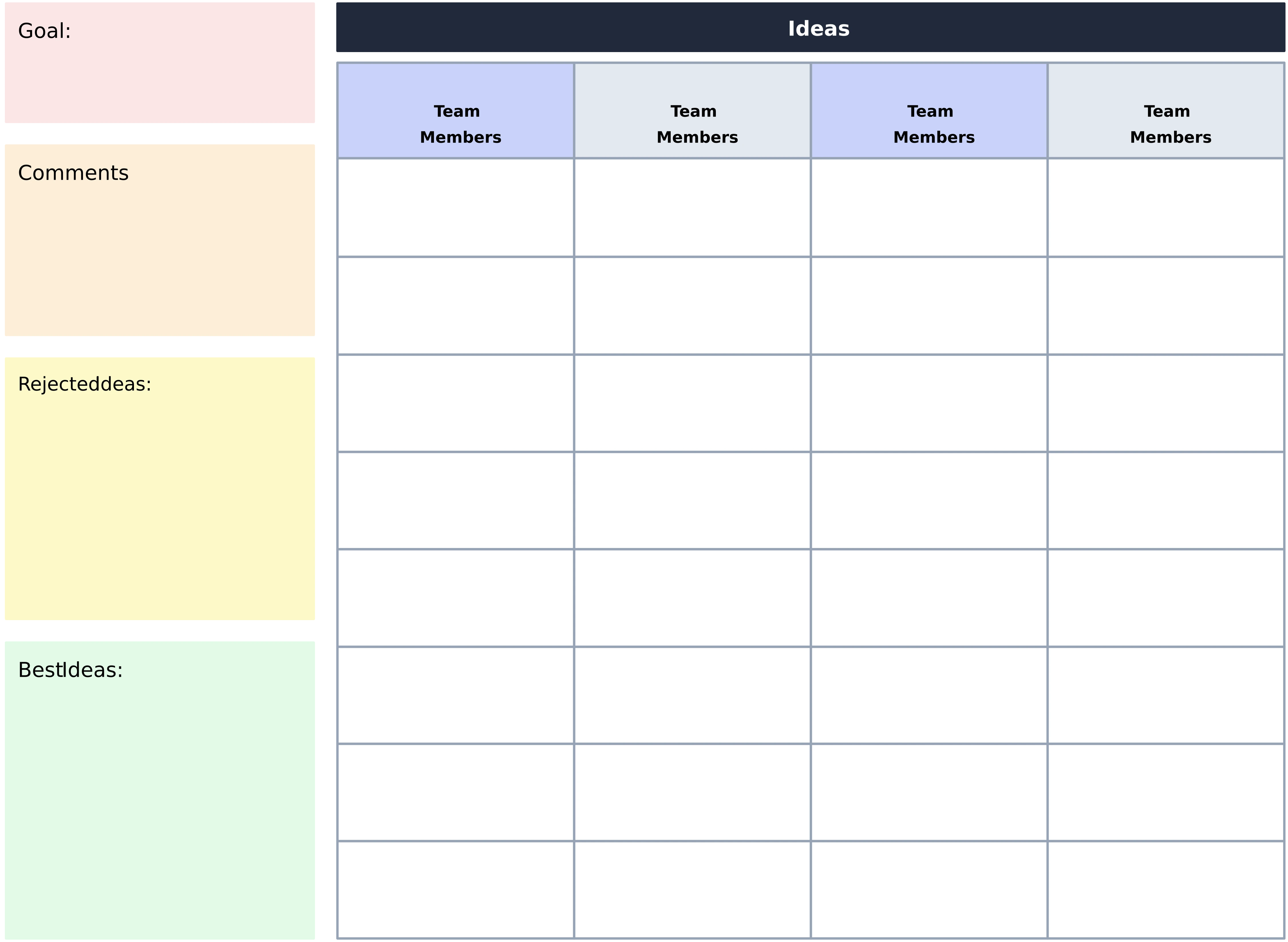
Explore Free Ready-to-Use Idea Board Templates
Ideate, Visualize, and Evolve Your Creative Thinking
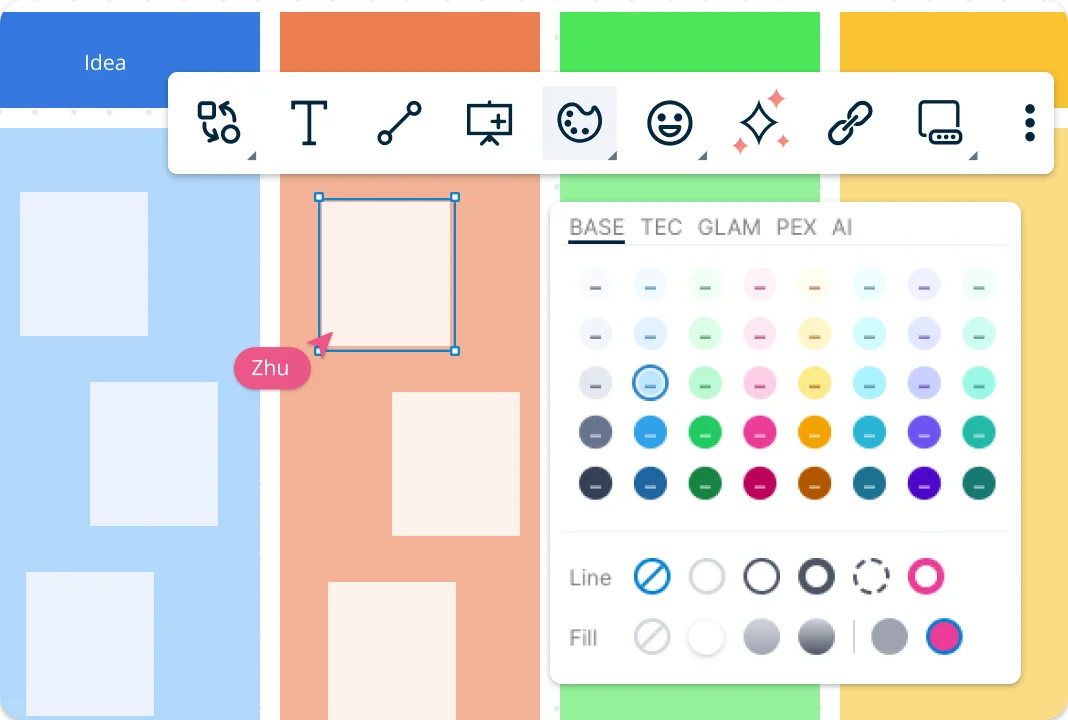
Transform your thoughts into clear, actionable insights with an intuitive idea board creator equipped with smart ideation tools. Use the drag-and-drop canvas to visualize ideas to streamline your brainstorming sessions. Apply smart formatting and color codes to highlight key ideas, identify patterns, and illustrate the most promising solutions.
Make Insightful Connections from Every Idea
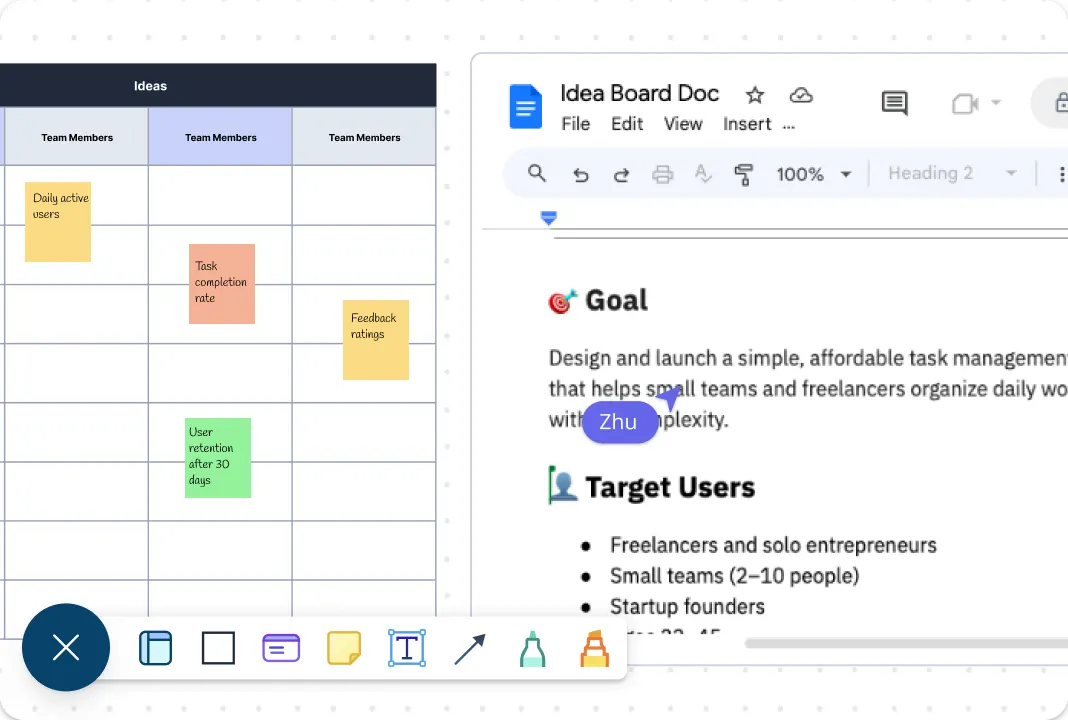
Keep your growing pool of ideas organized and accessible with an infinite, scalable digital idea board that can display thousands of elements in one view. Easily categorize, group, and manage ideas as they evolve using Creately’s idea board software. Enrich your board by importing videos, images, documents, and screenshots to provide visual context and spark new connections. Add notes, attachments, and links to individual ideas to capture supporting details and keep everything in one place. With full version history, you can track progress, revisit earlier versions, and confidently refine ideas without losing valuable insights.
Collaborate with Your Team, Anytime, Anywhere
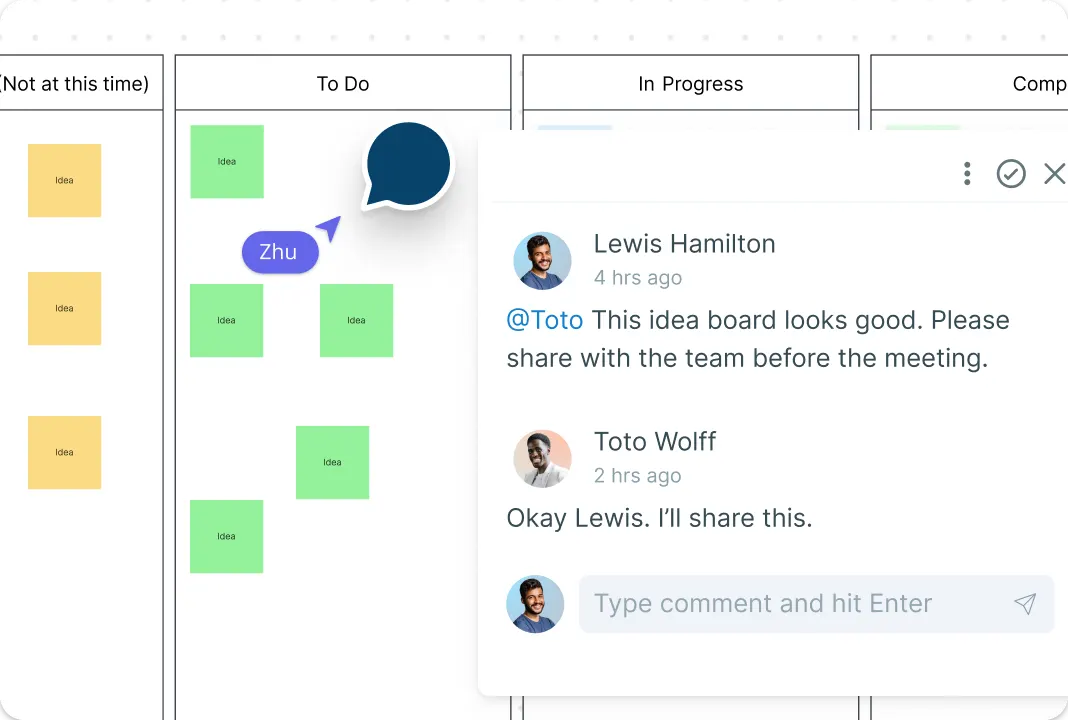
Work together seamlessly on a shared virtual idea board, no matter where your team is located. Built-in commenting and real-time cursors let you brainstorm and co-create in sync. Use @mentions and threaded comments to assign tasks, clarify ideas, and keep feedback organized—right on the canvas. Set custom access levels and roles to manage contributions, edits, and reviews efficiently, ensuring that your ideas and strategies evolve collaboratively and securely.
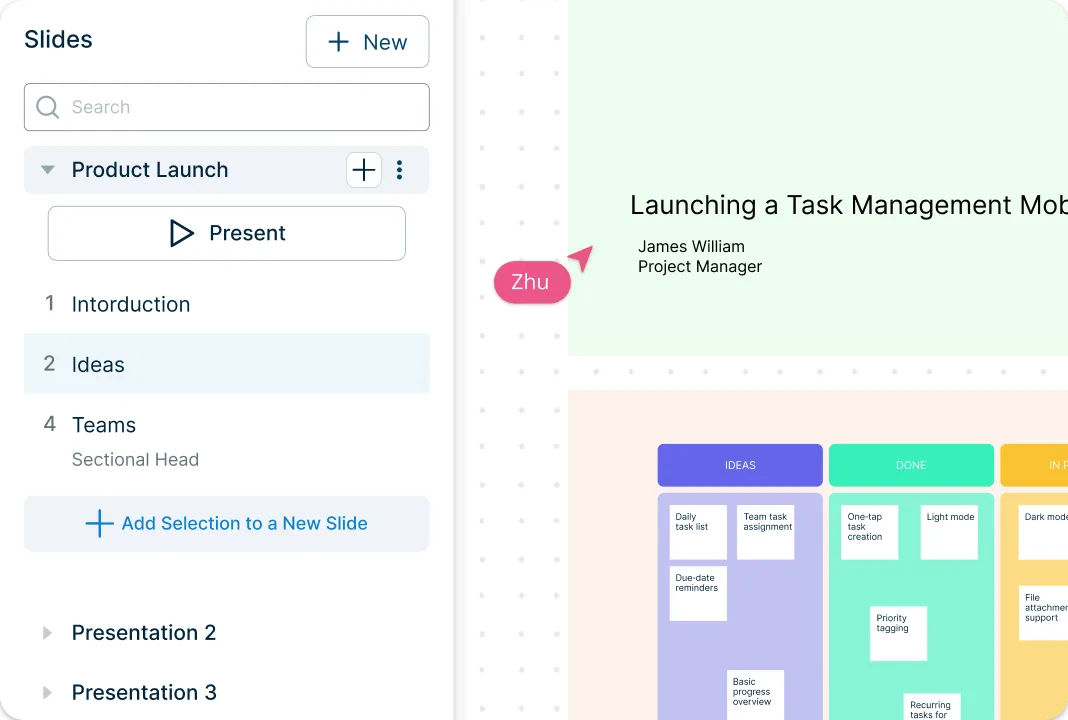
Go from Ideation to Execution in One Connected Workspace
Turn ideas into action with built-in tools that help you organize, prioritize, and present your thinking, all on the same idea board creator. Create interactive presentations for clients and stakeholders, use prioritization grids to visually rank ideas by impact and effort, and track progress across teams with Kanban boards. Seamlessly integrate with your favorite apps to import or export data, keeping workflows connected. Convert ideas into structured plans using model objects, transforming them into roadmaps, workflows, or task boards to move effortlessly from brainstorming to execution.
What Is an Idea Board?
How to Make an Idea Board with Creately
Step 1: Open an Idea Board Template
Start by opening an idea board template from Creately’s template library or create a new board on the canvas. For a faster start, use built-in AI assistance to generate ideas.Step 2: Customize the Idea Board
Use drag-and-drop to add and arrange ideas using text, sticky notes, shapes, and frames on the canvas. Customize layouts, apply color codes, and resize sections to visually organize ideas and highlight key themes as your brainstorming evolves.Step 3: Enrich Ideas with Notes and Media
Add depth to your ideas using the notes panel, attachments, and links. Import images, documents, screenshots, or videos, and connect supporting context directly to individual ideas to keep everything organized in one place.Step 4: Collaborate and Brainstorm in Real Time
Invite team members to collaborate on the idea board online. Use real-time cursors, comments, @mentions, and threaded discussions to brainstorm, clarify ideas, and gather feedback, whether your team is working together or remotely.Step 5: Review, Update, and Share
Review the completed idea board, group and refine ideas, and make final updates. Share the board by setting access levels for viewing or editing, or export it in formats like PNG, PDF, or SVG to support presentations and execution.
Explore More Templates to Visualize and Organize Ideas
FAQs About Online Idea Boards
What are Creately’s online idea board pricing plans?
- Free Plan — $0/month for basic idea board creation and collaboration
- Starter & Team Plans — $8/month or $5/month billed annually
- Business Plan — $149/month or $89/month billed annually
Annual billing helps you save more while unlocking advanced collaboration, workspace management, and enhanced idea board features. You can compare all available plans and features on the Creately Pricing Page.
How can you create idea boards faster?
Are there templates for different idea board use cases?
Can teams collaborate on idea boards?
Can I add notes, data, and files?
Can I share, present, or export idea boards?