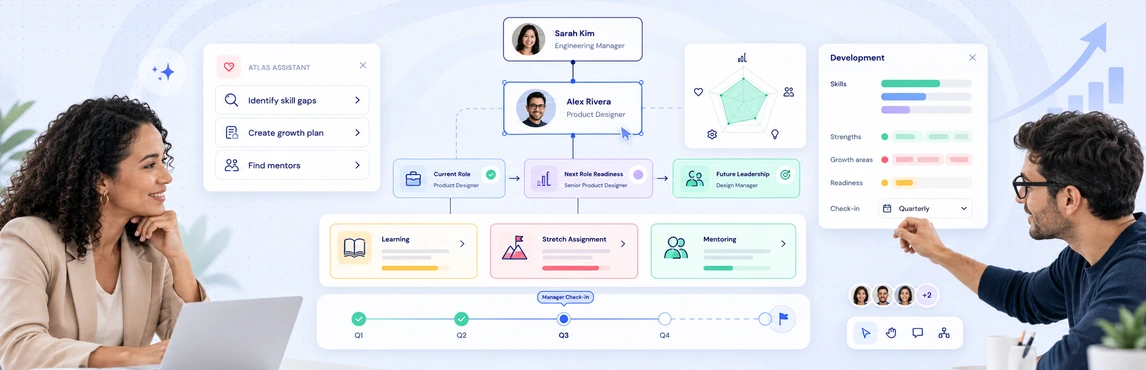
Employee development planning in Creately Atlas connects talent discussions to the organization around each person. HR leaders can evaluate where skills need to grow, which critical roles need successors, and how a proposed team change affects development priorities. Start with one team and a specific decision, such as preparing a successor for a department lead.
The Atlas product guide describes Talent, Skills, and Succession field packs alongside org charts and scenario planning. Confirm the available capabilities during your evaluation, using the records and access levels your HR team will work with.
Connect Development Goals to Roles
A useful development plan names the capability to build, the opportunity to practice it, and the person who will support the work. Org context adds the current manager, team, and potential next role to that conversation.
For example, a potential successor may need experience leading a cross-functional initiative. HR can review the target role’s requirements, discuss an appropriate assignment with the manager, and record a development action with a review date.
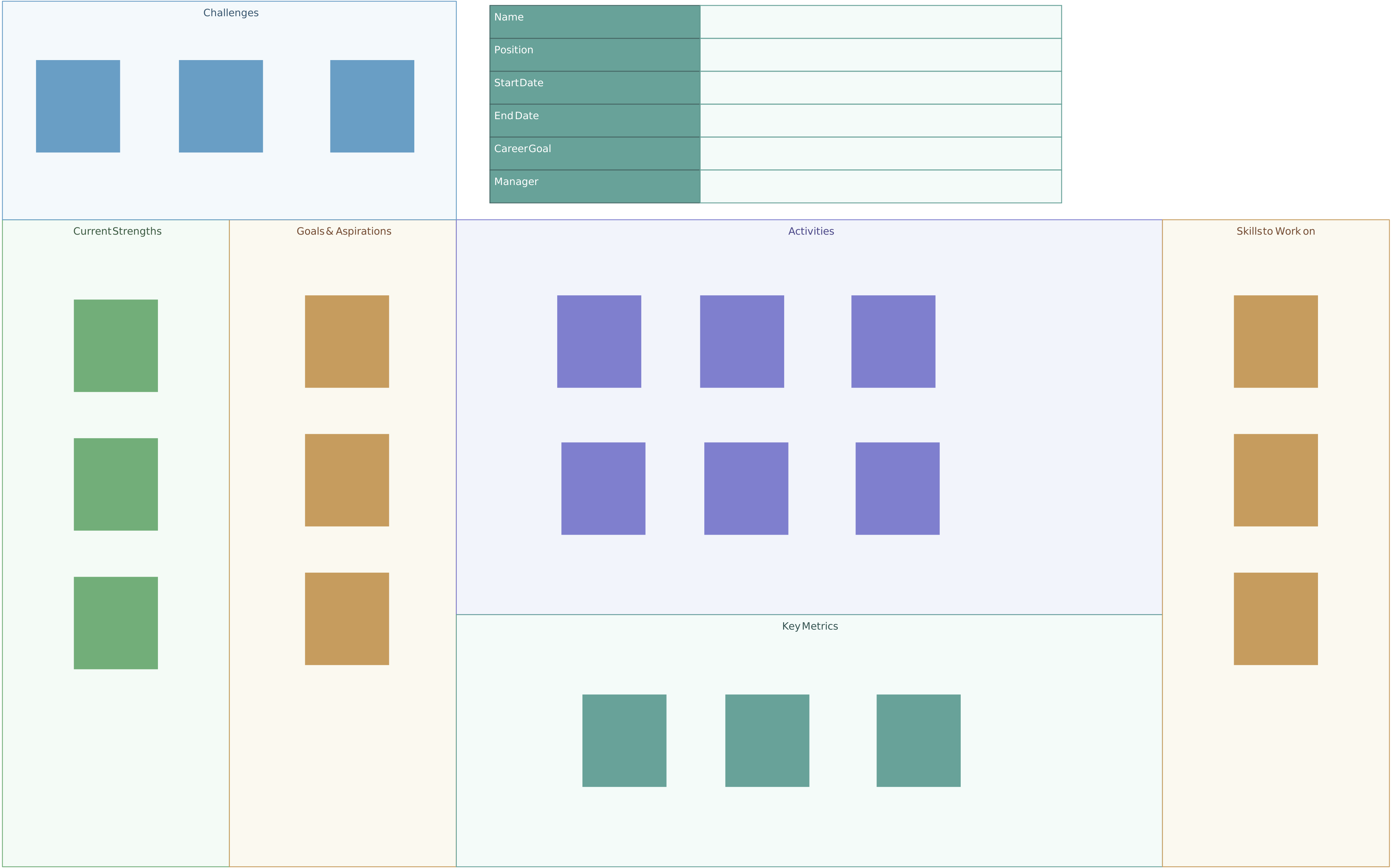
Use Creately’s employee development planning guide to structure the individual plan. The editable template below is a planning worksheet in Creately, separate from Atlas’s talent fields.

Choose the Fields That Support the Decision
Field packs group related information so you can focus on the data needed for a review. Activating a pack exposes fields; it does not create assessments or fill gaps in your records.
| Planning need | Fields described in the Atlas product guide | How HR can use the information |
|---|---|---|
| Review development progress | Development plan status, last review date, promotion readiness | Identify plans that need a follow-up conversation |
| Compare capability with role needs | Skills, skill level, certifications, required and preferred role skills | Agree on the skill or experience to develop next |
| Prepare successors | Readiness, bench strength, successor count, development actions | Distinguish an uncovered role from a candidate who needs preparation |
| Discuss performance in context | Performance rating, potential assessment, 9-box placement | Review assessments alongside the employee’s team and manager |
The skills matrix templates can help managers agree on proficiency definitions before a review. For calibration, the 9-box grid guide explains how performance and potential can frame a discussion. Keep the evidence and employee context alongside the assessment.
Review Successor Readiness Together
Atlas’s product guide separates people from positions and describes linking successor candidates to target positions. That distinction helps HR discuss a role’s future needs even when its current occupant moves on.
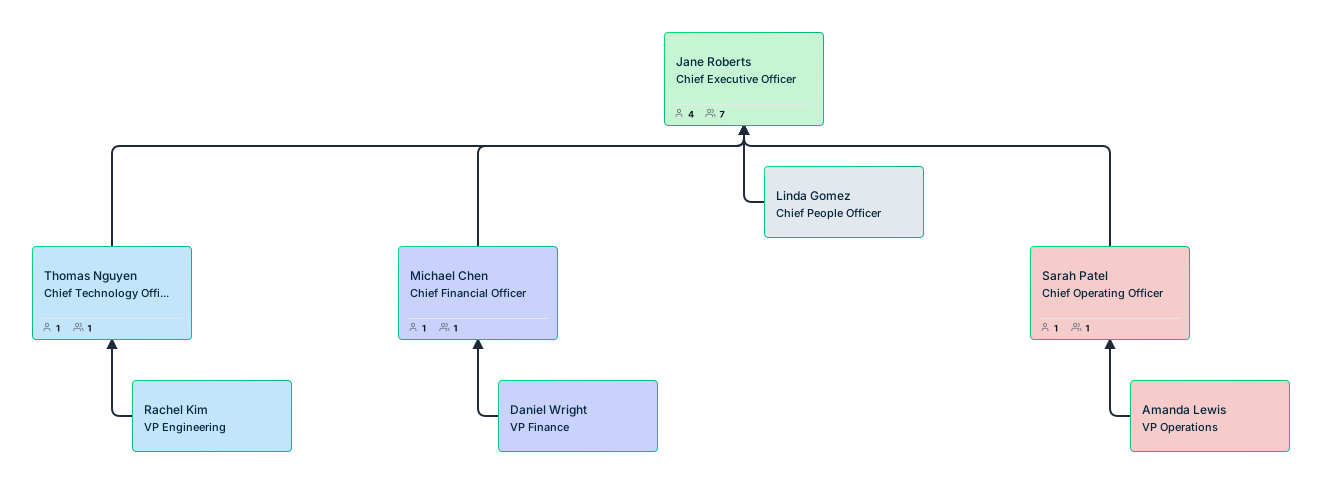
Use your succession planning org chart to identify the decision for each critical role:
- No named successor: agree on the capabilities needed and where to look for candidates.
- A successor needs preparation: record the development action and the next readiness review.
- Several possible successors: compare experience and evidence using consistent criteria.
- The role is changing: revisit the requirements before choosing a development path.
The template below gives HR leaders a shared visual for that conversation. It does not automatically assess or rank employees.
Test the Workflow Before a Wider Rollout
Choose a small group of critical roles and walk through a development review with HR and the relevant managers.
- Prepare the records. Check reporting lines, role requirements, skills, and review dates. Use only the talent information needed for the discussion.
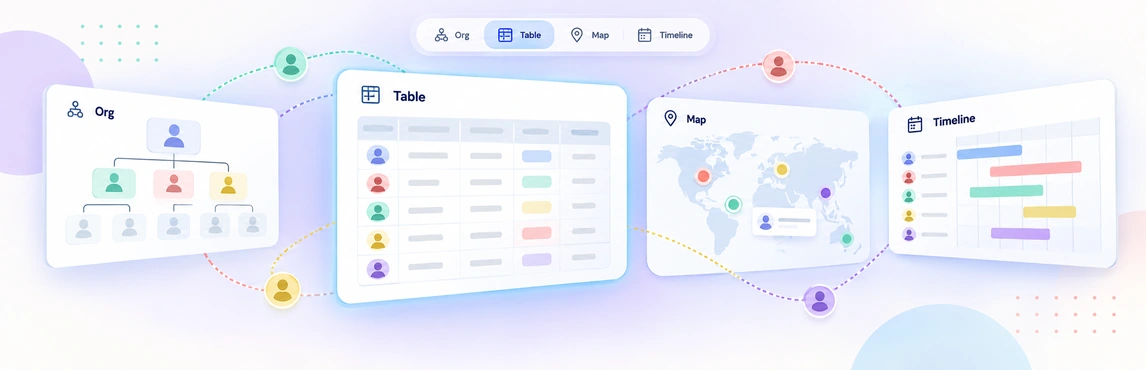
- Review the view together. The product guide describes coloring by 9-box placement and performance or succession views. Confirm that the relevant pack and view are available and that the display matches the underlying records.
- Agree on an action. Decide whether the next step is coaching, a project assignment, training, or a readiness review. Record an owner and date in your development plan.
- Explore an org change separately. If the review suggests a role move, test the available scenario planning workflow before changing the current chart. A planning scenario does not itself approve a promotion or update your HRIS.
- Check access and follow-up. Review the same records with different access levels, then agree on who will maintain the assessments and development status.
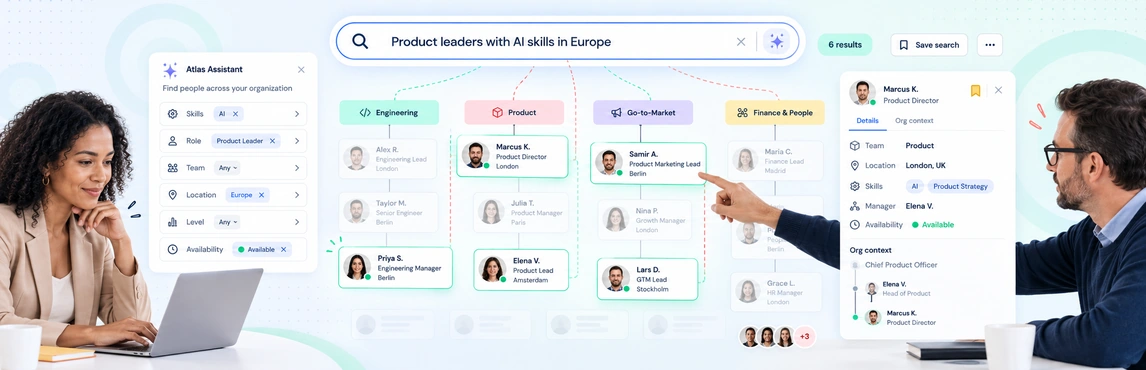
If you need to find potential candidates across departments, use the companion org-wide people search evaluation. Verify skill records and discuss availability with managers before assigning work.
Keep Talent Reviews Focused and Private
The guide describes different sensitivity tiers for performance, succession, compensation, and demographic data. Confirm the access required for each field rather than assuming that every manager or HR user sees the same information.
Use sample records to test person details, shared views, and exports. The Atlas security and data trust guide provides a starting point for reviewing the platform’s safeguards with your security team.
Atlas adds organizational context to development decisions. Keep appraisal cycles, learning delivery, and employee feedback in the processes your team has agreed to use, and make the handoff between planning and action explicit.
Open the employee development plan template to capture the first action, its owner, and the next review date.