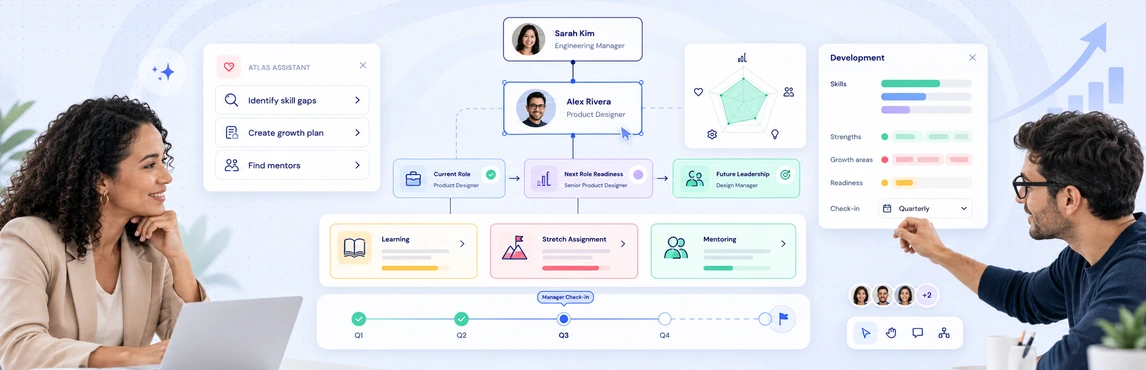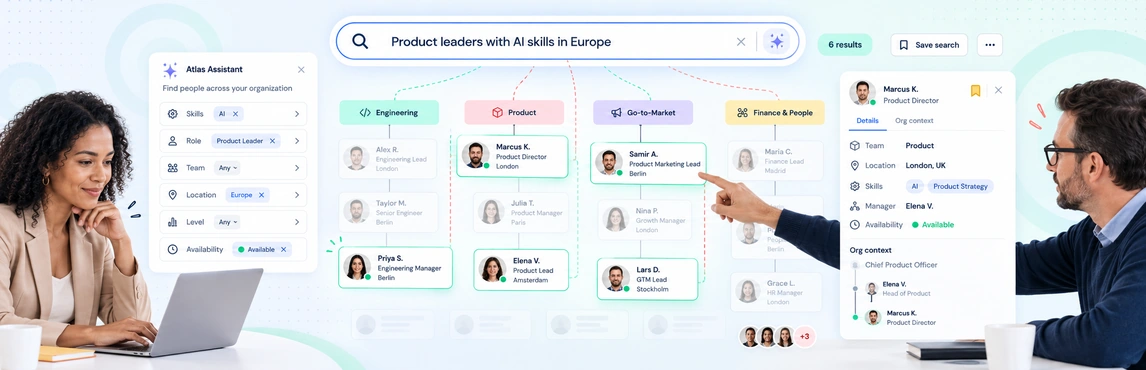
Org-wide people search in Creately Atlas helps HR leaders connect a person to their role, team, and reporting structure. Start with a practical question: who has the skills for an upcoming initiative, and where do they sit in the organization? A useful evaluation follows that question from the source data to a result you can check with the team.
The Atlas product guide describes name, title, and department search alongside AI-assisted queries, visual analysis, and planning workflows. Use the checks below to confirm which capabilities are available in your evaluation and how they work with your data.
Find People with the Context You Need
A name lookup helps you reach a colleague. A skills or reporting-line question helps you understand who to involve in a decision. Test these as separate workflows.
| Your question | Capability described in the product guide | What to check |
|---|---|---|
| Where does this person work? | Search by name, title, or department and zoom to a matching person | The correct person, manager, and team appear |
| Who has a particular skill? | Skills fields and AI-assisted field queries | Skill records are populated and relevant to the question |
| Who reports to this manager? | Queries across the reporting structure | Results agree with the source reporting lines |
| Can we reuse this group? | Multi-condition filters and saved smart groups | The workflow is available and membership follows the saved conditions |
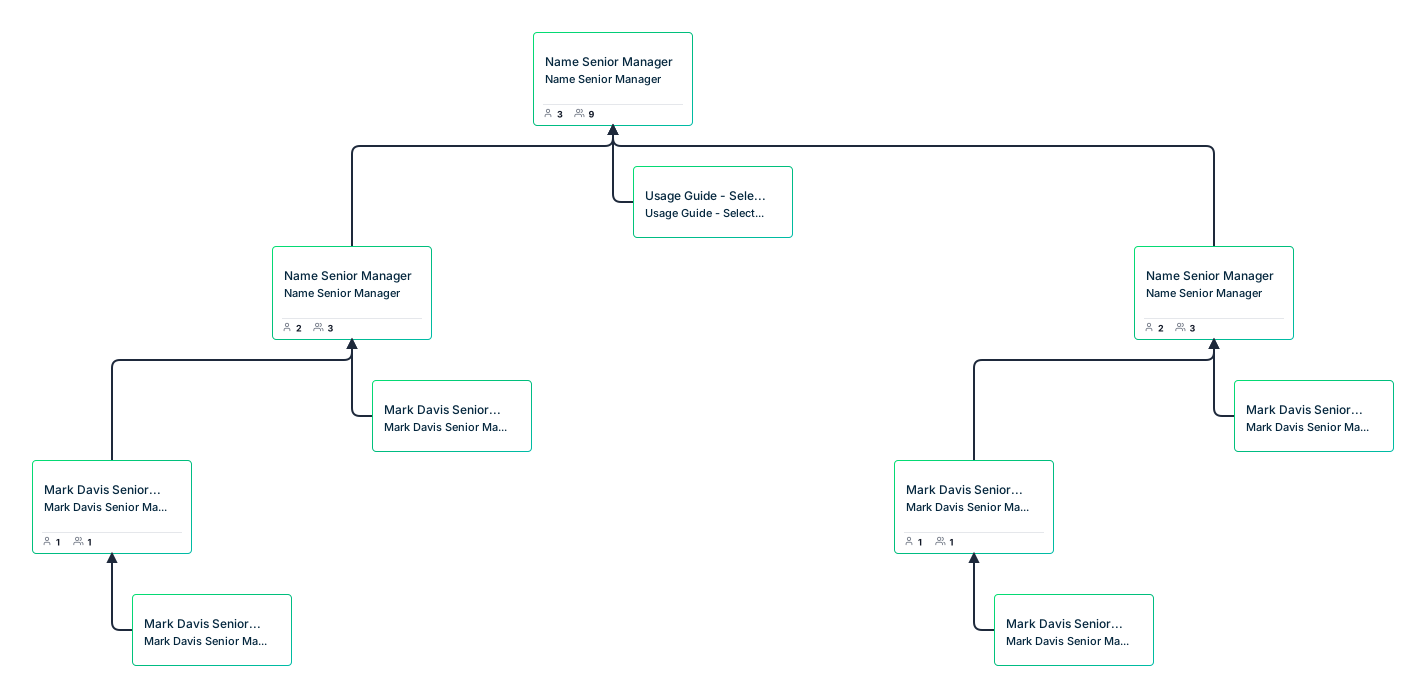
The guide to organizational chart types can help you choose the structure for your review. For example, a functional hierarchy and a matrix team answer different questions about ownership.

Prepare the Data Behind the Search
Begin with one department and a recent HRIS export or CSV. The product guide describes AI-assisted column mapping, with suggestions you review and adjust before import. Check employee IDs, manager references, and department names; an incorrect reporting line changes the context around an otherwise correct search result.
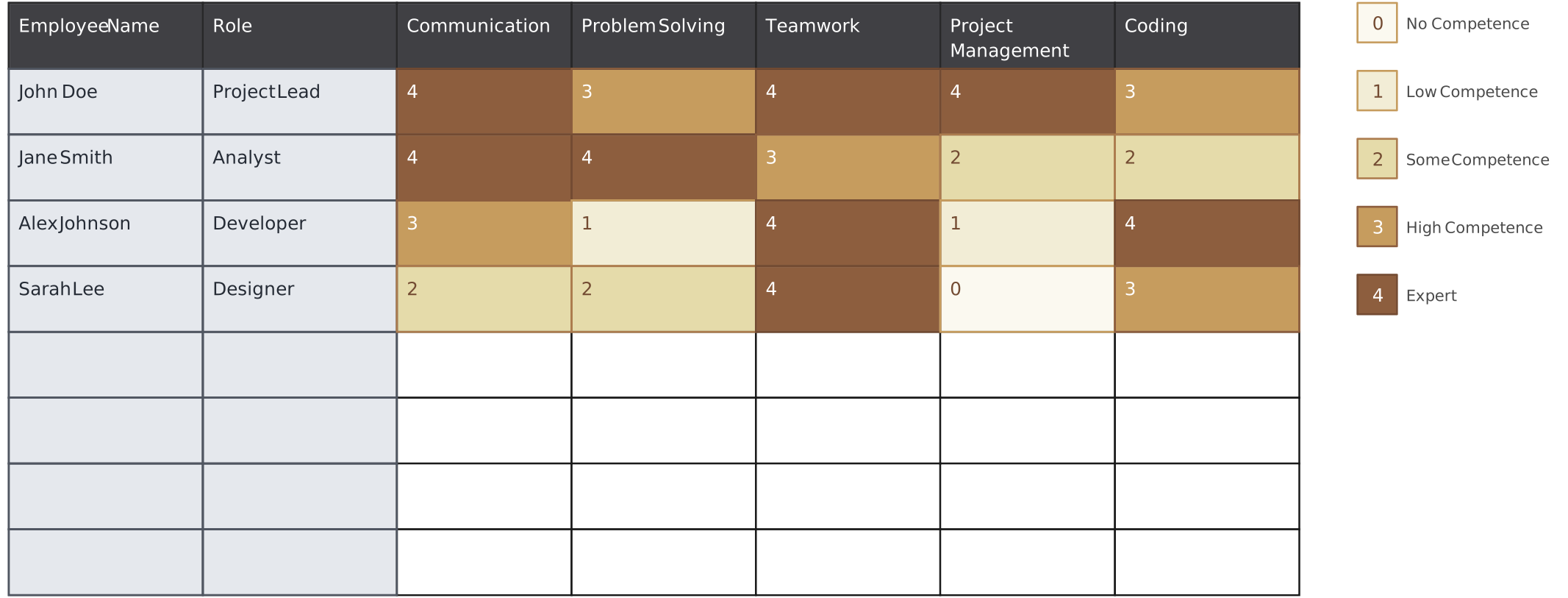
For skills questions, agree on consistent skill names and proficiency levels. The Skills field pack includes skills inventory, certifications, skill level, and experience. Activating a pack makes its fields available; your team still needs to supply and maintain the records.
Use the skills matrix guide to prepare a shared skills vocabulary. The template below opens in Creately as a planning worksheet; it is not a screenshot of Atlas search or an automatic data connection.
Run a People-Search Evaluation with Your Team
Choose questions where HR and a department manager can independently check the answer.
- Find a known person. Search for their name and confirm the title, department, and manager shown around them.
- Test a field-based question. Try an example from the product guide, such as finding people in the London office. Check the relevant location records first.
- Follow the reporting chain. Ask who reports to a selected manager and compare the result with the approved org structure.
- Review a skills group. Use recorded skills to identify people for an initiative. Discuss their experience and availability with their managers before making staffing decisions.
- Repeat with another access level. Confirm that restricted talent data stays outside the results shown to people who should not see it.
The guide also describes color rules, heatmaps, and smart groups for exploring results. Test those workflows explicitly rather than assuming a search automatically creates a saved group or a staffing plan.
For an initiative that spans several departments, a workforce planning org chart provides a useful starting point for discussing headcount and team needs.
Review Sensitive Data Before Sharing Results
The product guide describes six sensitivity tiers, with different access for identity, performance, succession, compensation, and demographic fields. A CHRO and a department manager should not receive the same view of every field.
Test permissions using representative accounts and sample records. Include search results, person details, shared views, and exports in the review. Use the Atlas security and data trust guide to prepare questions for your security review.
Historical questions need a separate check. The guide describes an as-of view based on dated relationships and employee join or departure dates. Confirm that you have the historical records needed for the date you want to inspect; a current employee list alone does not establish the past structure.
Use the Result to Plan the Next Conversation
People search can help HR identify colleagues to discuss for a new initiative or future role. It should give the conversation a clear starting point, with the relevant records and reporting context visible.
For development and succession decisions, continue with employee development planning in Atlas. Keep proposed role or reporting changes in a separate planning scenario, as described in the org chart scenario planning guide.
Start your review with a skills matrix template, agree on the data to include, and bring the questions you need Atlas to answer.