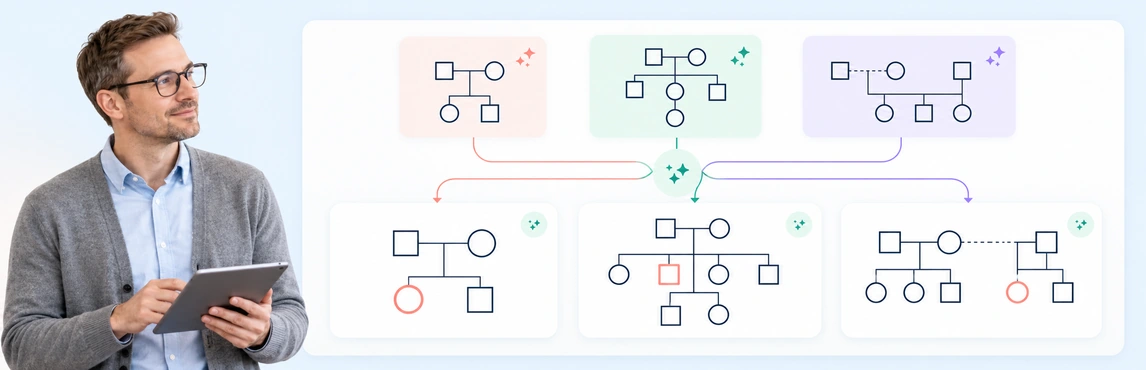
Use these copyable AI genogram prompts as starting points for different kinds of family mapping. Replace the bracketed text with fictional, de-identified, or otherwise approved information, then review the generated diagram against the source before using it. These examples focus on what to include in a prompt; the header links to a separate step-by-step AI genogram workflow.
Choose an AI-assisted draft when you have clear, approved notes and want a starting structure; draw manually when details are still being clarified or an AI tool is not approved. A hybrid workflow can work well when you need a draft and a deliberate review of every connection. Neither method verifies the source information for you, so use the comparison below to choose an approach that fits the task.
To create a genogram using AI, prepare a short family note, generate a first draft in Creately’s AI Genogram Maker, and review every person, symbol, and relationship before sharing it. For the general drawing process, see how to make a genogram; this guide focuses on the AI-assisted workflow.
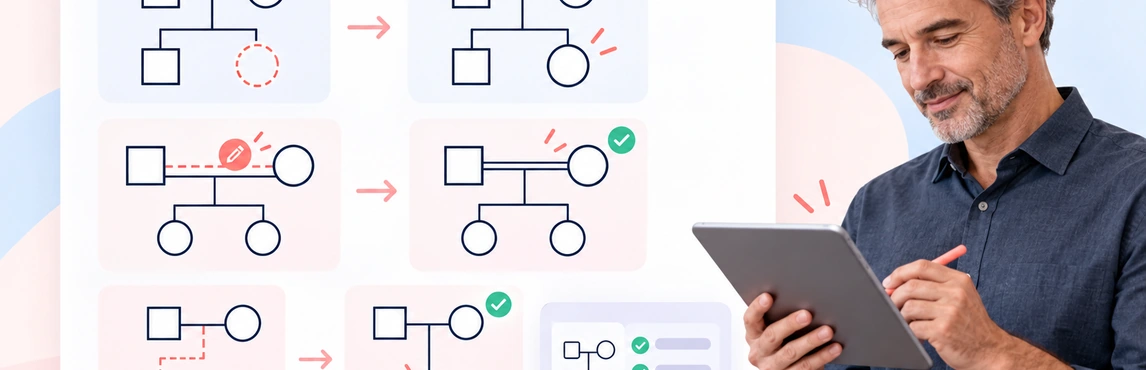
An AI-generated genogram is a draft to verify, not a record to accept at a glance. Review it against the notes used to create it, correct what is clearly wrong, and flag anything that needs confirmation. This guide focuses on that quality-control work after generation. For the creation steps, see how to create a genogram using AI; for errors to prevent earlier, see common AI genogram mistakes.
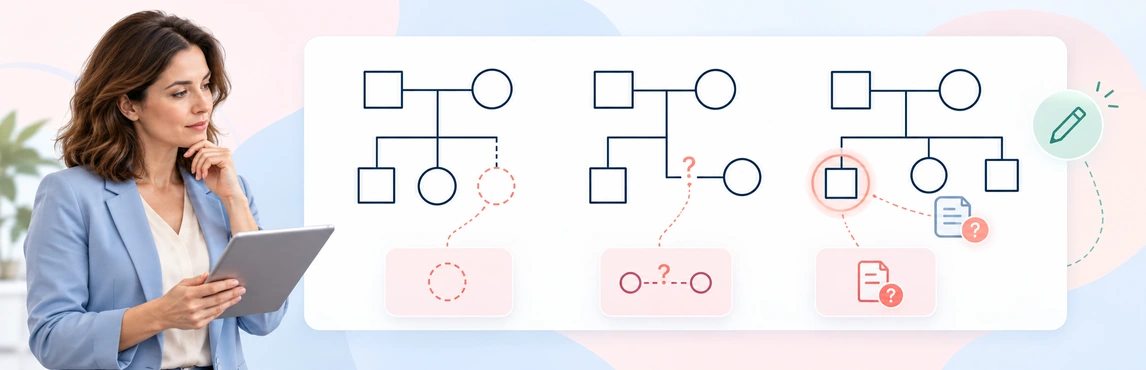
AI can help turn written family information into a genogram draft, but it can also make a diagram look certain when the source is not. The safest way to use the draft is to set clear limits, preserve uncertainty, and check every relationship and symbol before relying on it.
AI genograms can be safe to create only when the information, AI service, account settings, and workflow are approved for the task. A genogram may bring family relationships together with health history, trauma, caregiving, or case details. Even without names, that combination can identify people.