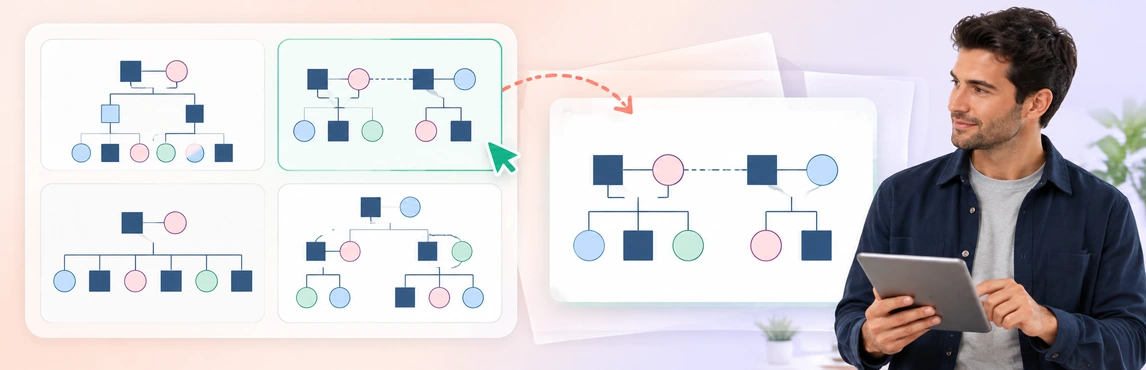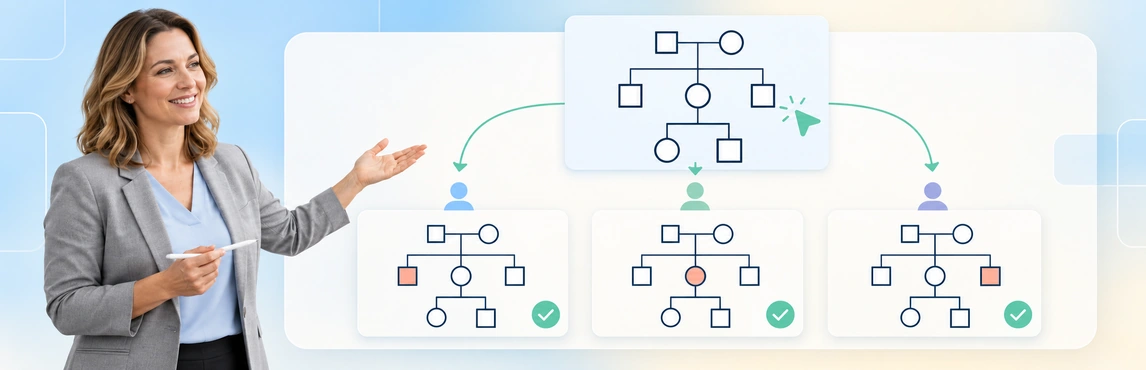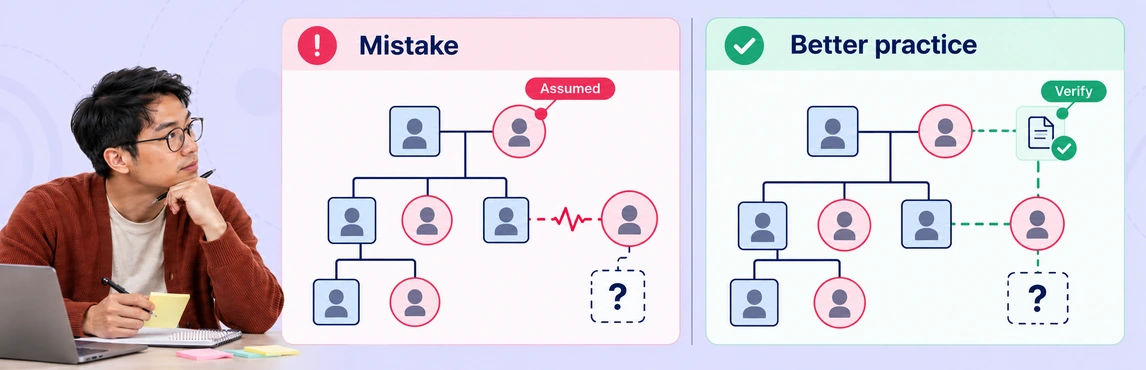
Common mistakes when using genograms to explore intergenerational trauma in case work include losing source context, using unclear symbols, reconstructing events from memory, accepting transcription errors, and leaving family maps disconnected from current planning. A genogram can help organize the relationships and questions for review, but it must stay connected to the case record. Repeated events across generations do not by themselves establish trauma, causation, or a prediction about a child.
This guide focuses on documentation quality during child-welfare reviews and handoffs. For the wider workflow, see genograms for child welfare case management.
Five Documentation Mistakes and Their Corrections
| Mistake | What a reviewer might misread | Practical correction |
|---|---|---|
| Treating a summary as the full history | A reported event appears to be an established finding | Retain source, date, context, and information status |
| Using unexplained symbols | A line for limited contact looks like emotional cutoff | Include a shared legend and attributed descriptions |
| Reconstructing the map from memory | Similar names, dates, or caregivers become confused | Capture permitted details promptly and verify them |
| Accepting transcription or AI errors | A draft adds certainty or a relationship the source never supplied | Compare every consequential entry with its source |
| Leaving the map unchanged | An old placement or concern appears current | Date changes and connect gaps to assigned follow-up |
Use these checks as a documentation aid alongside the agency’s required assessment and recording procedures. They are not a trauma screening instrument.
Mistake 1: Losing Context When Summarizing Family History
A short entry such as “trauma across three generations” conceals who reported what, when events occurred, and how different family members describe their experiences. A diagram with the same unsupported label has the same problem. Keep narrative context and the map connected with clear source references; see why family patterns are hard to see across multiple child-welfare cases for a workflow that keeps comparisons grounded in each case.
Source-backed distinction: the National Child Traumatic Stress Network states that not every child who experiences a negative event develops trauma-specific reactions. Its screening guidance distinguishes identifying possible exposure or symptoms from referral for a comprehensive assessment. Source: NCTSN, Trauma Screening.
For each relevant event, separate:
- What was reported or documented, with a source and date.
- Whose account of its impact is recorded.
- What remains unknown, disputed, or outside the worker’s assessment.
- What current question requires follow-up.
Include protective relationships and reported strengths as well as difficulties. A child’s current support network should not disappear behind a list of adverse family events.
Mistake 2: Using Symbols Without a Shared Meaning
A colored line is not enough to explain an allegation, a contact arrangement, or an emotional relationship. Use the agency’s agreed genogram symbols and a legend; the team-standardization guide explains how to agree on meanings and test them during review. Keep legal arrangements, biological relationships, and the family’s descriptions of closeness distinguishable.
Consider the difference between these entries:
| Ambiguous entry | More reviewable documentation |
|---|---|
| Red line between parent and child | Description of the reported concern, source, date, and status |
| “Estranged” | Person’s account of current contact, with the date recorded |
| Caregiver shown as biological parent | Separate caregiving and biological relationships |
| Blank family branch | Explicit “information unavailable” or “not yet collected” label |
The symbol summarizes information; it must not turn a reported concern into a finding. For notation background rather than a case-work checklist, use the existing genogram rules guide.
Mistake 3: Reconstructing Relationships from Memory
After a complex interview, details such as which aunt provided care or when a placement changed need checking; use the foster-care and blended-family documentation guide to separate family ties, care roles and legal status. Capture information through the permitted recording process, then reconcile the map with those notes. If a date cannot be confirmed, leave it approximate or unknown.
Live digital mapping is one option, not a universal requirement. Source-backed practice example: Georgia DFCS requires an initial hand-drawn genogram during face-to-face contact, permits computer-generated updates, and calls for review of updated maps with the family. Follow the requirements in your own jurisdiction. Source: Georgia DFCS, 19.19 Genogram.
Before saving a review version, check names or identifiers, caregiver connections, event dates, and the family’s corrections. Do not interpret silence or hesitation as evidence of a particular relationship pattern.
Mistake 4: Treating a Transcribed or AI-Generated Map as Verified
An intake summary and an AI draft both need review. “Mother reports no contact with her sister” must not become a confirmed emotional cutoff, and an unnamed caregiver must not acquire an invented identity.
Compare the draft against the permitted source material:
- Are all people connected to the correct family branch?
- Are biological, adoptive, foster, and step relationships distinct?
- Did estimates or unknowns become exact dates or definite labels?
- Are allegations and differing accounts still attributed?
- Does the draft contain any event or interpretation absent from the source?
Creately Clinical Maps can generate a draft from text or supported PDF, Word, and text documents. Use text-to-genogram drafting to prepare a map for checking; do not treat generation as evidence verification or trauma assessment.
Mistake 5: Leaving Family History Disconnected from Current Planning
A map completed at intake can become misleading after a placement move, a change in contact, or new information from a relative. Add a review date and preserve earlier versions according to the agency’s process; see maintaining genograms during long-running child-welfare cases for update triggers and handover checks. Show which information is current and which describes a past arrangement.
For each unresolved issue, record a question, owner, and next review point in the case record; see how incomplete family mapping affects long-term case planning for a focused follow-up workflow. The genogram can point to the question without attempting to hold every sensitive detail or replace the assessment; see documenting trauma, abuse and estrangement in genograms for attribution and sharing guidance.
Fictional Example: A Case Handoff
A worker is transferring the case of a 12-year-old living with a foster caregiver. A fictional intake note dated 2 October describes the parent’s childhood separation from a caregiver; the current child reports support from an aunt. These details are fictional and do not establish a shared trauma response.
| Handoff problem | Correction | Follow-up |
|---|---|---|
| Summary says “generational abandonment” | Remove that unsupported label. Record “parent separated from caregiver in childhood” as an event reported in the fictional intake note dated 2 October; record the child’s current account of support from an aunt separately. Mark any effect on either person’s wellbeing as unknown. | Check the original note and date with the worker; ask what each person reports before describing an impact |
| Aunt is absent from the map | Add the reported support relationship with its source | Confirm the role through the agency process |
| Previous placement still looks current | Date the placement change and mark the current arrangement | Reconcile with the case record |
| New worker sees an unexplained concern symbol | Add a legend and reference the restricted source record | Review the concern through the appropriate assessment process |
The handoff produces a clearer set of facts and questions. See how genograms support safety and placement decisions for preparing those questions for review. The map does not produce an automatic placement recommendation or a diagnosis about the parent or child.
A Review Workflow with Creately Clinical Maps
Creately Clinical Maps supports family drawing, annotations, and 60+ relationship types. These can help a worker keep relationship types explicit and update the map while reviewing the case. Pattern observations are heuristic, never diagnoses or validated risk scores.
- Confirm the purpose. Identify the review date, question, and authorized readers; use the guide to sharing genograms with supervisors and legal teams to check recipient access and disclosure scope.
- Check the source material. Compare people, relationships, events, and uncertainty with the case record.
- Review corrections. Follow the agency process for involving the family and retaining different perspectives.
- Prepare the handoff. Assign follow-up actions and inspect the shared or exported copy for unnecessary sensitive details using the genogram export checklist; use the guide to explaining family relationships in case reviews and court reports to prepare a clear, source-based explanation.
| Documentation need | Capability | Access boundary |
|---|---|---|
| Draw or draft the map | Basic drawing and text-to-genogram | Basic is on every plan; assisted generation is metered |
| Record structured social context | Social Work field pack | Advanced requires an eligible Enterprise Genogram workspace and approved protected-data arrangements; confirm access with your administrator or Creately |
| Let an authorized colleague review | Role-based sharing, including Viewer | Read-only access prevents editing, not disclosure; review sensitive-information access |
| Prepare a review artifact | Basic image export or Advanced reports | Check the available format and what the output contains |
Check organizational approval before entering identifiable case information. See the digital genogram storage guide for related handling considerations. Advanced access alone does not determine whether a disclosure is appropriate.
Templates for Practicing the Review
Use fictional information when agreeing on team notation; the case-worker genogram training guide provides practice exercises and a suggested review rubric. For a shared library of starting layouts and legend conventions, see reusable genogram templates for child-welfare agencies. The templates below offer starting layouts, not validated trauma assessments.
- Social Work Support Network Genogram: Practice recording supportive connections alongside concerns.
- Foster-to-Adopt System Genogram: Practice distinguishing family relationships and caregiving arrangements.
- Genogram for a Child Custody Case: Practice checking relationship labels and the sources for legal-status information.


Explore the existing social-work genogram tools to adapt a template to your review process.